Contractors deal with moving parts every day. Jobs need scheduling. Crews need updates. Materials need tracking. Customers need answers. Invoices need follow-up. Managers need to know what is happening before small issues turn into expensive delays.
When project details are scattered across texts, emails, spreadsheets, paper notes, and different apps, decision-making slows down.
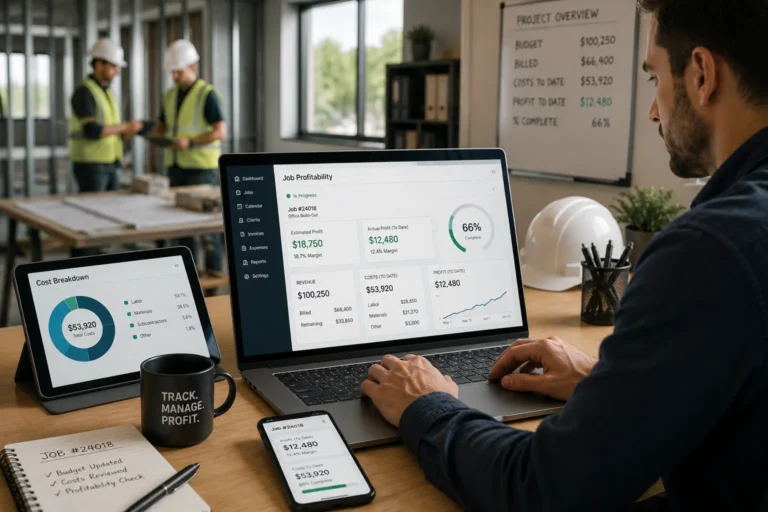
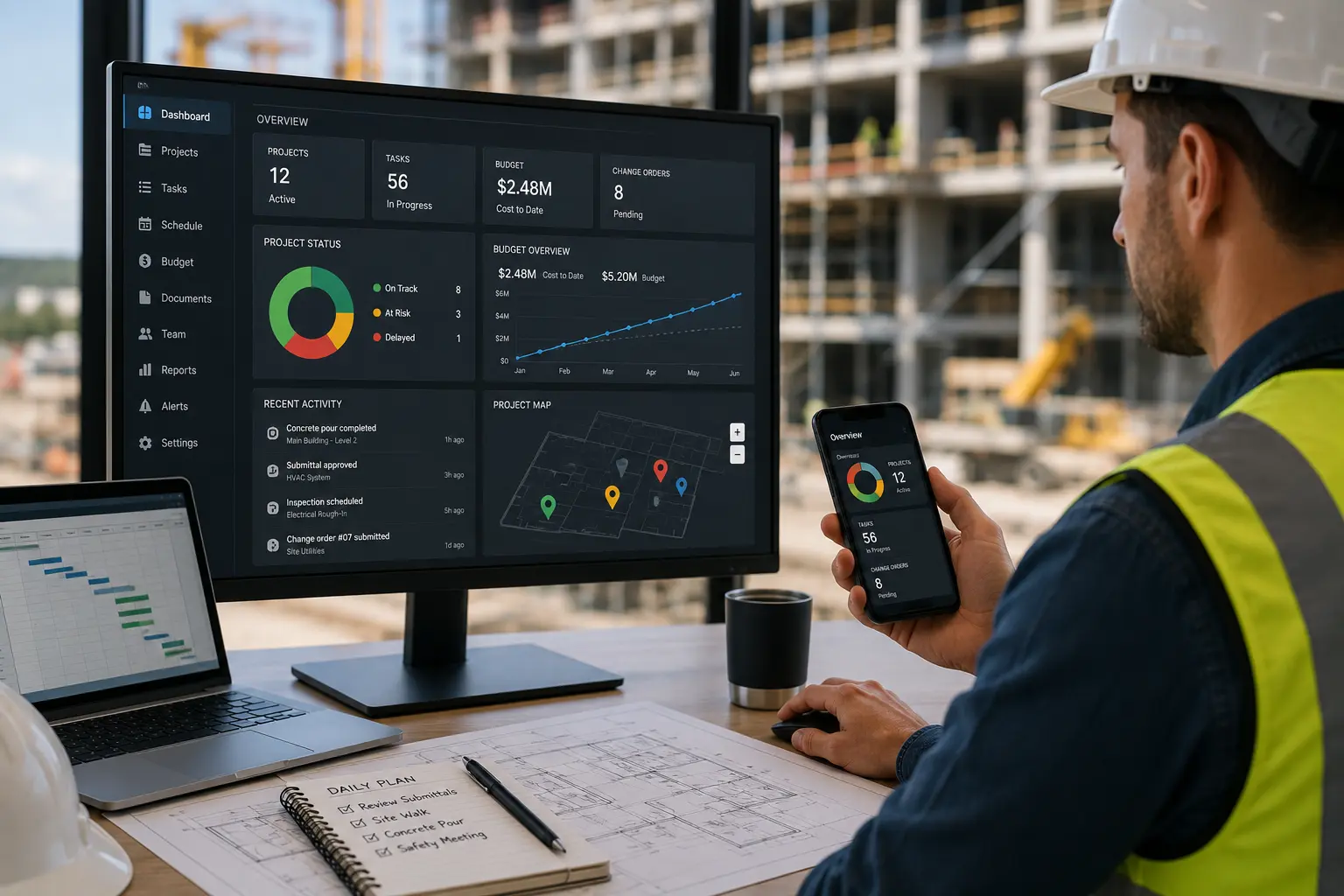
A centralized dashboard solves that problem by giving contractors one place to view key business activity. Instead of chasing information, managers see what needs attention and act faster.
Quick Answer
How does contractor dashboard software help teams make faster decisions?
Contractor dashboard software helps teams make faster decisions by showing jobs, schedules, crew assignments, customer updates, task progress, invoices, and bottlenecks in one place.
Instead of checking texts, spreadsheets, emails, and separate apps, managers can see what needs attention and act before delays become bigger problems.
Contractor Dashboard Software Features and Benefits
| Dashboard Feature | What It Shows | Why It Helps Contractors |
|---|---|---|
| Job status view | Active jobs, delayed jobs, completed work, and pending updates. | Helps managers see where work stands without chasing updates. |
| Schedule visibility | Crew availability, upcoming appointments, and schedule changes. | Reduces confusion, missed jobs, and double booking risks. |
| Task tracking | Open tasks, assigned owners, deadlines, and incomplete work. | Makes accountability clearer across office and field teams. |
| Customer information | Customer records, job history, notes, and follow-up needs. | Improves response time and customer communication. |
| Invoice and payment status | Unpaid invoices, pending approvals, and billing activity. | Helps protect cash flow and reduce missed billing follow-ups. |
| Inventory updates | Material availability, missing items, and stock concerns. | Helps prevent job delays caused by missing supplies. |
| Performance reports | Completed jobs, delays, workload, and team activity. | Supports better planning and faster operational decisions. |
Why Contractors Need Faster Decision-Making
Contracting work moves fast. A delayed decision can affect the whole schedule.
For example:
- A crew waits for materials
- A customer needs a schedule update
- A technician needs job details
- A manager needs to reassign work
- An invoice needs approval
- A job runs over budget
- A team member misses an update
If the right information is hard to find, the decision gets delayed. That delay can affect labor hours, customer satisfaction, project timelines, and profit margins.
Centralized dashboards help contractors stay ahead because they bring the most important information into one view.
The Problem with Scattered Business Information
Many contractors use several tools to manage daily operations.
One system holds customer details. Another holds schedules. Another tracks invoices. Another stores job notes. Some updates stay in text messages. Some details stay in someone’s head.
That creates confusion.
Scattered information leads to:
- Slower decisions
- Missed updates
- Duplicate work
- Unclear job status
- Weak crew coordination
- Delayed customer responses
- Poor visibility into project progress
- More manual follow-ups
When managers need to check five places before making one decision, the business slows down.
Real-Time Visibility Across Jobs and Teams
Real-time visibility is one of the biggest benefits of a centralized dashboard.
Contractors need to know what is happening right now, not what happened yesterday. A dashboard gives managers access to current job status, crew assignments, schedule changes, customer information, and task progress.
This helps answer key questions fast:
- Which jobs are active?
- Which jobs are delayed?
- Who is assigned to each job?
- What crew is available?
- What tasks are pending?
- Which customers need follow-up?
- What materials are missing?
- Which invoices are unpaid?
When this information is visible in one place, managers make decisions based on facts instead of guesses.
Proactive Risk Mitigation Before Problems Grow
Project problems are easier to fix when teams catch them early.
A centralized dashboard helps with proactive risk mitigation by showing warning signs before they become major issues.
For example, a dashboard may show:
- Jobs close to missing deadlines
- Overbooked crews
- Delayed tasks
- Missing materials
- Pending approvals
- Unassigned work orders
- Open customer requests
- Overdue invoices
This helps contractors respond before the issue affects the customer or the schedule.
Instead of reacting after a delay happens, managers can adjust the schedule, assign support, contact vendors, or update the customer early.
That is the difference between being in control and constantly putting out fires.
Streamlined Collaboration Between Office and Field Teams
Contractors rely on both office staff and field crews. If these teams do not stay aligned, jobs slow down.
Office teams need updates from the field. Field crews need job details from the office. Managers need visibility into both.
A centralized dashboard supports streamlined collaboration by keeping everyone connected to the same information.
This helps teams share:
- Job notes
- Customer details
- Schedule changes
- Task updates
- Photos or files
- Material needs
- Service requests
- Work order progress
When everyone works from the same dashboard, communication becomes cleaner. Crews spend less time asking for details, and office staff spend less time chasing updates.
Enhanced Efficiency in Daily Operations
Enhanced efficiency comes from reducing the time wasted on manual work.
Without a centralized dashboard, teams often spend too much time searching, confirming, copying, and updating information across different tools.
That creates admin drag.
A centralized dashboard helps contractors work faster by reducing:
- Manual status checks
- Repeated data entry
- Unnecessary calls
- Missed follow-ups
- Duplicate task tracking
- Back-and-forth messages
- Time spent switching between apps
When important information is easy to access, teams complete work with fewer delays.
What Contractors Should Track in a Centralized Dashboard
A good dashboard should show the information contractors need to run the business each day.
Here is a simple breakdown:
| Dashboard Area | What It Shows | Why It Matters |
| Jobs and work orders | Active jobs, status, deadlines, assigned crews | Helps managers track progress |
| Calendar and scheduling | Crew availability, upcoming jobs, schedule changes | Reduces double booking |
| CRM | Customer details, leads, follow-ups, contact history | Improves customer communication |
| Inventory | Materials, stock levels, item availability | Prevents job delays |
| HR | Employee records, roles, availability, time details | Supports better workforce planning |
| Accounting | Estimates, invoices, payments, job costs | Helps protect cash flow |
| Dispatch | Technician assignments, urgent requests, field updates | Keeps crews moving |
| Reports | Performance, delays, completed work, pending tasks | Supports better decisions |
The goal is simple. Contractors need one clear view of what is happening across the business.
What Contractor Teams Should Review in a Dashboard Each Day
Contractor teams should review the dashboard daily to see which jobs need attention, which crews are assigned, which customers need updates, and which tasks are still open. A dashboard is most useful when it becomes part of the daily workflow instead of something managers only check when there is already a problem.
At the start of the day, managers can review active jobs, schedule changes, available crews, pending approvals, and missing materials. This helps the team catch issues before crews arrive late, customers are left waiting, or work gets delayed.
During the day, office staff can use the dashboard to check job progress, customer messages, follow-up needs, and invoice activity. Field crews can use the same connected information to understand job details, updates, and next steps without relying on scattered calls or texts.
MBP Work Management helps contractors centralize tasks, job activity, team updates, and workflow visibility. When connected with Calendar, CRM, and Accounting, contractors get a clearer view of schedules, customers, invoices, and daily work. To ask about setup, visit the Contact page.
Give Your Team One Clear View of the Work
MBP Work Management helps contractors track jobs, tasks, schedules, customer updates, and team activity from one connected dashboard.
Explore MBP Work ManagementFaster Decisions Start with Better Data
Fast decisions are not about guessing quickly. They are about having the right information at the right time.
A centralized dashboard gives managers better data from every part of the operation.
For example:
- Schedule data helps decide which crew to assign
- Inventory data helps decide when to order materials
- CRM data helps decide which customer needs follow-up
- Work order data helps decide which jobs need attention
- Accounting data helps decide which invoices need review
- HR data helps decide who is available for the next job
When this data is connected, contractors do not need to wait for separate updates before taking action.
How Centralized Dashboards Improve Customer Service
Customers expect clear answers.
They want to know when the crew will arrive, what the job status is, whether materials are available, and when work will be completed.
If your team cannot find the answer quickly, the customer feels ignored.
A centralized dashboard helps teams respond faster because customer details, job status, schedule updates, and work history are easier to access.
This creates better service because your team can give accurate updates without digging through messages or asking multiple people.
How Dashboards Help Reduce Bottlenecks
Bottlenecks happen when work gets stuck.
Sometimes the delay comes from a missing approval. Sometimes it comes from an unavailable crew. Sometimes it comes from waiting on materials or customer feedback.
A centralized dashboard helps identify where work is stuck.
Managers can see:
- Which tasks are pending
- Who owns each task
- What jobs need review
- Where approvals are delayed
- Which jobs are waiting on materials
- Which customers need a response
Once the bottleneck is visible, it is easier to fix.
Why All-in-One Systems Make Dashboards More Useful
Dashboards work best when they pull information from connected tools.
If your calendar, CRM, work orders, inventory, HR, dispatch, estimates, and invoicing tools are disconnected, your dashboard may still miss important details.
An all-in-one system gives contractors a stronger dashboard because the data comes from the same platform.
That means fewer gaps, fewer manual updates, and fewer disconnected reports.
With MyBusinessPortal.cloud, contractors can connect job management, scheduling, customer records, field updates, inventory, HR, estimates, invoicing, and reporting in one place. This gives managers a clearer view of daily operations and helps teams make faster decisions.
Final Thoughts
Centralized dashboards help contractors make faster decisions by bringing real-time visibility, proactive risk mitigation, streamlined collaboration, and enhanced efficiency into one system.
Instead of searching through emails, spreadsheets, texts, and separate apps, contractors can view job status, schedules, customer details, employee availability, inventory, work orders, estimates, invoices, and reports from one place.
For growing contractor businesses, faster decisions are not only about speed. They are about control, accuracy, and better visibility across every part of the operation.
Contractor Dashboard Software FAQs
What is contractor dashboard software?
Contractor dashboard software gives teams one place to view jobs, schedules, crew assignments, customer updates, task progress, invoices, and performance activity.
How do dashboards help contractors make faster decisions?
Dashboards help contractors make faster decisions by showing real-time business activity in one place, reducing the need to check texts, spreadsheets, emails, and separate apps.
What should contractors track in a dashboard?
Contractors should track job status, crew schedules, task ownership, customer updates, inventory needs, invoice status, and performance reports.
Why do scattered tools slow down contractor decisions?
Scattered tools slow down contractor decisions because managers must search multiple places before they can understand what is happening, who is responsible, and what needs action.
Can a contractor dashboard connect with scheduling and CRM?
Yes. A contractor dashboard can connect with scheduling, CRM, work management, and accounting tools so teams can manage daily operations from one system.