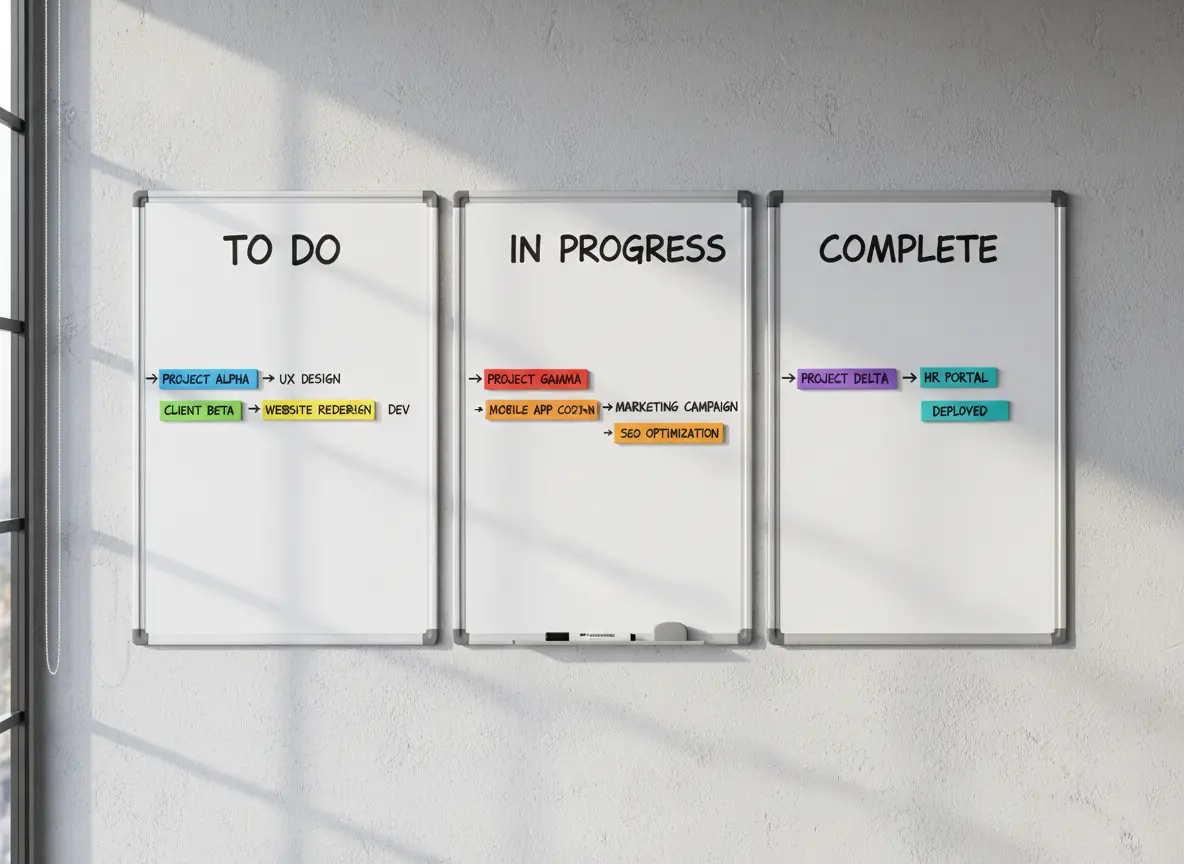
Why Whiteboard Job Tracking Fails as Your Business Grows
Relying on a whiteboard to track jobs leads to missed updates, scheduling errors, lack of visibility for field crews, and no historical records. As teams grow, whiteboards create confusion instead of clarity.
Whiteboards are great for quick notes and team huddles, but when they become your main system for managing jobs, you’re one rainstorm, erased update, or missed glance away from total chaos.
At MyBusinessPortal.cloud, we help teams replace whiteboards with real-time job tracking that works in the office and in the field. Our calendar-driven scheduling software for tradesmen keeps crews, schedules, and updates aligned without guesswork.
If you’re still using a whiteboard to track job schedules, crews, or project updates, here’s what might be happening behind the scenes (whether you realize it or not).
No Backup System Means Critical Updates Get Lost
Whiteboards don’t come with backups. Once someone accidentally wipes off a job or makes a last-minute change and doesn’t tell the rest of the team, the result is confusion.
Missed job? Wrong address? Technician shows up late?
It’s all possible, and it all starts with one overlooked change.
No Remote Access Leaves Field Teams Disconnected
The minute you step out of the office, that board is useless. Need to check who’s scheduled today? Or update a client on your crew’s ETA?
You’re stuck calling someone back at base and hoping they’re near the board.
Lack of Real-Time Updates Creates Team Confusion
With no real-time sync, your team is always a few steps behind.
One person updates the board, but did the crew actually see it? Are the changes already outdated?
Without alerts or mobile access, your team is left guessing instead of executing.
No Data Tracking Means No Operational Insight
A whiteboard won’t show you:
- Who completed what job and when
- Which jobs were rescheduled and why
- How many hours each technician worked this week
You lose out on insights that help you run smarter and grow faster.
Manual Scheduling Damages Client Confidence
Let’s be honest. When a client calls and you have to say,
“Hold on, let me check the whiteboard…”
It doesn’t inspire confidence.
Modern businesses use modern tools, even small ones.
Upgrade to Digital Job Tracking for Real-Time Control
You don’t have to overhaul your business overnight. But replacing your whiteboard with a simple digital job tracking tool is one of the fastest ways to:
- Eliminate confusion
- Keep your team on the same page
- Save time on every job
- Look more professional to your clients
MBP Helps You Track Jobs Without the Headaches
With MyBusinessPortal.cloud, you get a drag-and-drop calendar, real-time updates for your crew, and an easy way to track every job from quote to completion — all in one place.
No more markers. No more wiped-out schedules. Just smart, simple team management.
Frequently Asked Questions
Why do whiteboards stop working as a business grows?
Whiteboards work for small teams with simple schedules, but they break down when jobs, crews, and service areas increase. As complexity grows, manual updates and limited visibility create more confusion than clarity.
What data do you lose when relying on a whiteboard?
Whiteboards do not track job history, technician hours, reschedules, or performance metrics. Without that data, you cannot identify bottlenecks, measure productivity, or improve operational efficiency.
How does manual scheduling impact client perception?
When scheduling depends on a physical board, response times slow down and updates feel uncertain. Clients expect professional, organized service, and visible hesitation can reduce trust.