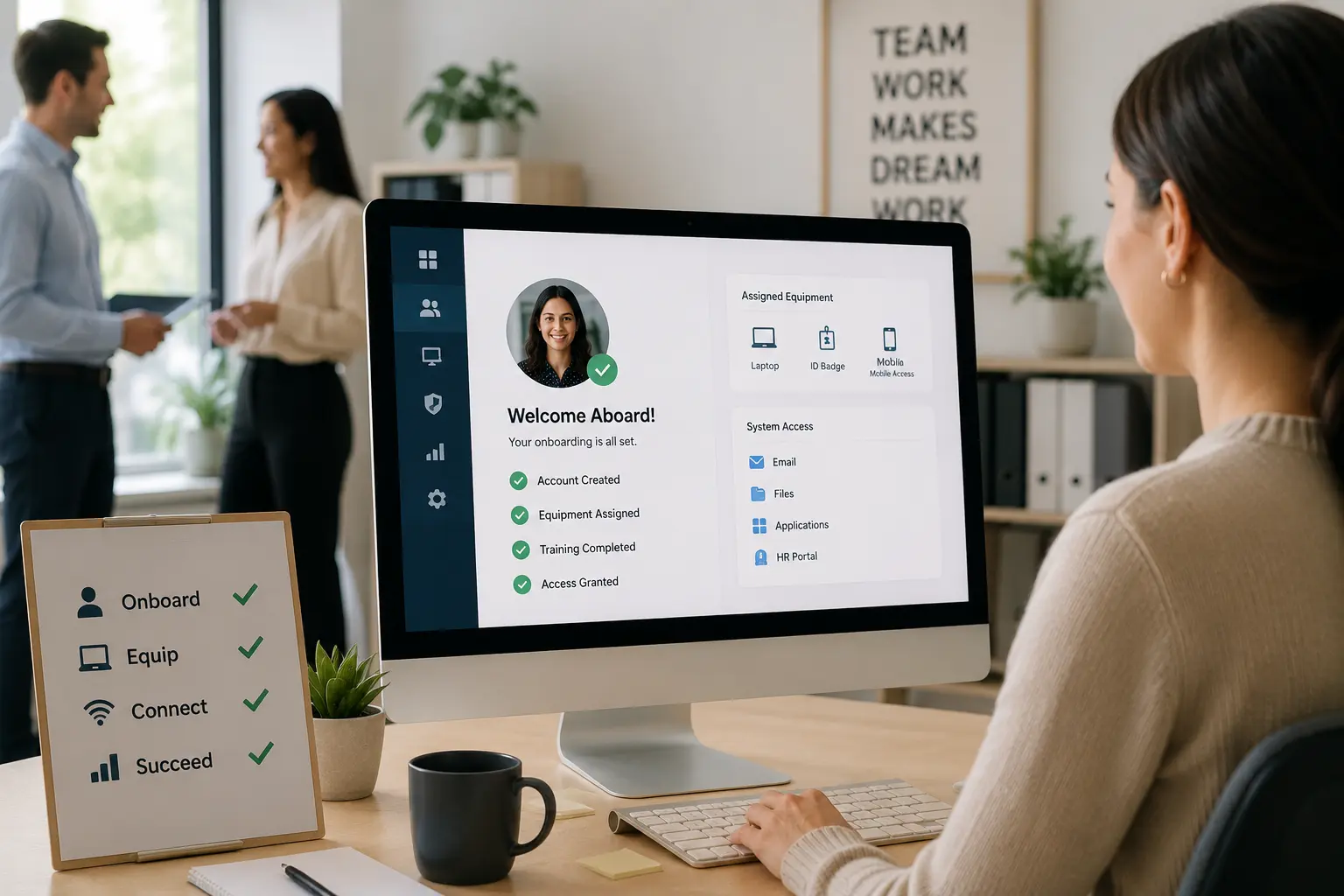
Hiring a new employee should feel like progress. But for many small businesses, onboarding turns into a messy process filled with paperwork, scattered files, repeated questions, and missed steps.
One person has the employee forms. Another person handles training. Someone else tracks schedules, job assignments, or payroll details. Before long, the new employee is waiting for answers while the office team tries to piece everything together.
That is why using an all-in-one system makes onboarding easier. Instead of spreading employee information across emails, folders, spreadsheets, and separate apps, your business keeps everything in one place.
For contractors, field service teams, and small businesses, this helps new employees get started faster and with fewer mistakes.
Quick Answer: How does employee onboarding software make hiring easier?
Employee onboarding software makes hiring easier by organizing new hire documents, employee records, training steps, schedules, tasks, and manager approvals in one system. Instead of using emails, spreadsheets, paper forms, and separate apps, businesses can track onboarding progress, reduce missed steps, and help new employees start work with more confidence.
Manual Onboarding vs HR Software
| Onboarding Area | Manual Onboarding | HR Software |
|---|---|---|
| Employee records | Stored across emails, folders, spreadsheets, or paper forms. | Kept in one organized employee profile. |
| New hire documents | Collected manually and often stored in different places. | Uploaded, stored, and reviewed in one system. |
| Training steps | Depend on manager memory or separate checklists. | Tracked with clear tasks and progress. |
| Schedule access | Shared through messages or separate calendars. | Connected with employee details and work schedules. |
| Manager approvals | Delayed by email threads or verbal follow-ups. | Easier to track as part of the onboarding workflow. |
| Policy review | Employees may miss important forms or acknowledgments. | Documents and acknowledgments stay easier to organize. |
| First-week tasks | Handled differently each time. | Follow a repeatable onboarding process. |
Why Employee Onboarding Gets Messy Without One System
Onboarding becomes difficult when there is no clear system.
A new employee may need:
- Personal information forms
- Tax documents
- Emergency contact details
- Job role information
- Training materials
- Schedule access
- Company policies
- Equipment assignments
- Manager approval
- Work order access
When these details live in different places, your team spends too much time searching, following up, and correcting errors.
This slows down the employee’s first few days and creates unnecessary pressure for managers.
New Hire Onboarding Checklist
A clear onboarding checklist helps managers give every new employee the same organized start. It also helps the business reduce missed forms, delayed training, and repeated questions.
| Onboarding Step | Why It Matters | What to Check |
|---|---|---|
| Collect employee details | Creates the basic employee record. | Contact details, emergency contact, role, and start date. |
| Gather required documents | Keeps records organized from day one. | Forms, IDs, certifications, contracts, and policy acknowledgments. |
| Assign onboarding tasks | Prevents steps from depending on memory. | Manager tasks, HR tasks, training tasks, and equipment needs. |
| Share schedule access | Helps the employee know when and where to work. | Start time, job location, shift details, and supervisor contact. |
| Provide training materials | Helps employees understand the role faster. | Training guides, safety steps, job procedures, and company policies. |
| Assign tools or equipment | Reduces first-week delays. | Uniforms, devices, login details, equipment, and app access. |
| Confirm first-week progress | Helps managers catch gaps early. | Completed tasks, missed steps, questions, and next training needs. |
How an All-in-One HR System Simplifies Onboarding
An all-in-one platform gives your business one central place to manage employee onboarding. Instead of switching between tools, your team can organize employee records, documents, schedules, tasks, and training steps from one system.
This helps your business:
- Keep employee details organized
- Reduce repeated admin work
- Track onboarding progress
- Improve communication
- Prevent missed steps
- Give new employees a smoother start
For growing teams, this structure matters. The more employees you hire, the harder it becomes to manage onboarding manually.
Keep Employee Onboarding Information in One Place
Information silos happen when important details are trapped in different tools, inboxes, or people’s heads.
For example, HR may have the employee’s personal details, the operations manager may have the schedule, and the field supervisor may have the training checklist. If those details are not connected, the onboarding process becomes slow and confusing.
An all-in-one system helps create zero information silos by keeping employee data in one shared location.
This means the right people can find what they need without chasing updates across emails or spreadsheets.
Manage New Hire Documents Without Scattered Files
New employee onboarding usually involves a lot of documents. These may include contracts, identification records, certifications, company policies, safety forms, and training documents.
Without a document management system, files can get lost, duplicated, or stored in the wrong place.
An all-in-one system helps your team upload, store, and manage employee documents in a more organized way. This makes it easier to check what has been submitted, what is missing, and what needs review.
It also helps your business stay more prepared when employee records need to be accessed later.
Track Employee Training Steps From Day One
Training should not depend on memory or guesswork.
When onboarding is handled manually, one employee may receive full training while another misses important steps. This leads to confusion, inconsistent work quality, and more questions during the first few weeks.
An all-in-one system helps you create a consistent, trackable training process.
Your business can track:
- Which training steps are complete
- Which documents have been reviewed
- Which tasks still need attention
- Who is responsible for each step
- When the employee is ready for certain work
This gives managers better visibility and helps new employees move through onboarding with more confidence.
How Onboarding Software Supports Contractors and Field Teams
Contractors and field service teams need onboarding that connects employee records with schedules, job assignments, training, safety documents, and field readiness. A new hire may need more than basic HR paperwork before they can work confidently on-site.
| Field Team Need | How Onboarding Software Helps |
|---|---|
| Safety documents | Keeps safety forms, policies, and acknowledgments organized. |
| Certifications | Helps store licenses, certifications, or role-specific records. |
| Schedule readiness | Connects the employee to upcoming shifts or job assignments. |
| Equipment assignment | Tracks tools, devices, uniforms, or field equipment. |
| Training steps | Shows which procedures or role-specific training are complete. |
| Supervisor visibility | Helps managers see whether the new hire is ready for field work. |
| Work access | Connects onboarding with daily work management tools. |
This helps contractors prepare new employees for real field work, not just paperwork completion.
Reduce Onboarding Errors With Connected HR Tools
Manual onboarding creates room for mistakes.
A form may be missed. A schedule may be entered incorrectly. A manager may forget to assign training. A document may be saved in the wrong folder.
These small errors create extra work and delay productivity.
With an all-in-one system, your team can reduce human errors by keeping onboarding steps, employee records, and job details connected. When everyone works from the same system, there is less risk of duplicate entries, missing information, or outdated records.
That means fewer corrections and a cleaner process from the start.
How HR Software Prevents Missed Onboarding Steps
Missed onboarding steps usually happen when tasks are spread across emails, spreadsheets, paper forms, and separate people. One manager may remember to send training materials, while another may forget a policy acknowledgment, schedule update, or equipment assignment.
HR software helps prevent these gaps by making onboarding tasks visible and repeatable.
| Missed Step Risk | How HR Software Helps |
|---|---|
| Missing employee forms | Tracks which documents still need to be submitted. |
| Forgotten training tasks | Shows which training steps are complete or still open. |
| Delayed manager approvals | Keeps approval tasks easier to review. |
| Missing schedule access | Connects employee details with scheduling workflows. |
| Unclear task ownership | Shows who is responsible for each onboarding step. |
| Lost documents | Stores files in one organized employee record. |
| Inconsistent onboarding | Gives every new hire the same repeatable process. |
When onboarding steps are visible, managers spend less time chasing updates and new employees get a more organized start.
Make Employee Onboarding Easier With MBP HR
MBP HR helps contractors and small businesses organize employee records, onboarding documents, training tasks, schedules, approvals, and workforce workflows in one connected system.
If onboarding still depends on emails, spreadsheets, paper forms, and repeated manager follow-ups, MBP gives your team a cleaner way to help new employees start faster.
Explore MBP HRGive New Employees a More Organized First Week
A new employee’s first days shape how they see your business.
If onboarding feels disorganized, they may feel unsure, unsupported, or confused about what to do next. If the process feels clear, they are more likely to feel prepared and confident.
An all-in-one system creates an enhanced employee experience by making onboarding easier to follow.
New employees benefit from:
- Clear instructions
- Faster access to needed information
- Organized documents
- Better communication
- Defined training steps
- Less waiting around
This matters because employees do better when they know what is expected from day one.
Why a Repeatable Onboarding Process Saves Time
An optimized onboarding process saves time for both managers and employees.
Instead of rebuilding the process every time someone is hired, your business follows a repeatable structure. This helps reduce delays, improve accountability, and make hiring less stressful.
For small businesses and contractors, this is especially important because managers often handle multiple responsibilities at once. They do not have time to search through emails, check several systems, and manually track every step.
A better onboarding process helps your team stay focused on work instead of admin cleanup.
A stronger onboarding process works best when employee records connect with schedules, training, daily tasks, and business operations. MBP helps contractors connect HR management with team scheduling, work management, and CRM so new hires can move from paperwork to productive work with fewer delays.
How to Improve Employee Onboarding Step by Step
You do not need to rebuild your entire business process overnight. Start by identifying the biggest problems in your current onboarding workflow.
Ask these questions:
- Where do employee documents currently live?
- Who tracks onboarding tasks?
- What steps often get missed?
- How does a new employee receive training?
- How are schedules and job assignments shared?
- What information is still handled through spreadsheets or email?
Once you know where the gaps are, move those steps into one system. Start with employee records, document storage, schedules, and task tracking. Then build a repeatable onboarding checklist your team can use for every new hire.
The goal is simple: make onboarding easier to manage and easier to follow.
Simplify Employee Onboarding With MyBusinessPortal.cloud
Onboarding new employees should not slow your team down. With the right all-in-one system, your business can organize HR documents, track training, manage employee details, and reduce admin mistakes in one place.
MyBusinessPortal.cloud helps contractors and small businesses manage daily operations with HR tools designed to keep teams organized, informed, and prepared.
If your employee onboarding process feels scattered, now is the right time to simplify it. A better HR system helps new employees start faster, work with more confidence, and become productive sooner.
Employee Onboarding Software FAQs
What is employee onboarding software?
Employee onboarding software helps businesses organize new hire records, documents, training tasks, schedules, approvals, and first-week steps in one system.
How does onboarding software help small businesses?
Onboarding software helps small businesses reduce paperwork confusion, track required documents, manage training steps, and give new employees a more organized start.
Why does manual onboarding create mistakes?
Manual onboarding creates mistakes because documents, tasks, schedules, and approvals are often spread across emails, spreadsheets, folders, paper forms, and manager memory.
What should be included in a new hire onboarding checklist?
A new hire onboarding checklist should include employee details, required documents, policy acknowledgments, training steps, schedule access, equipment assignment, and first-week progress checks.
When should a business use onboarding software?
A business should use onboarding software when new hire documents are scattered, training steps are missed, managers repeat the same follow-ups, or employees feel confused during their first week.