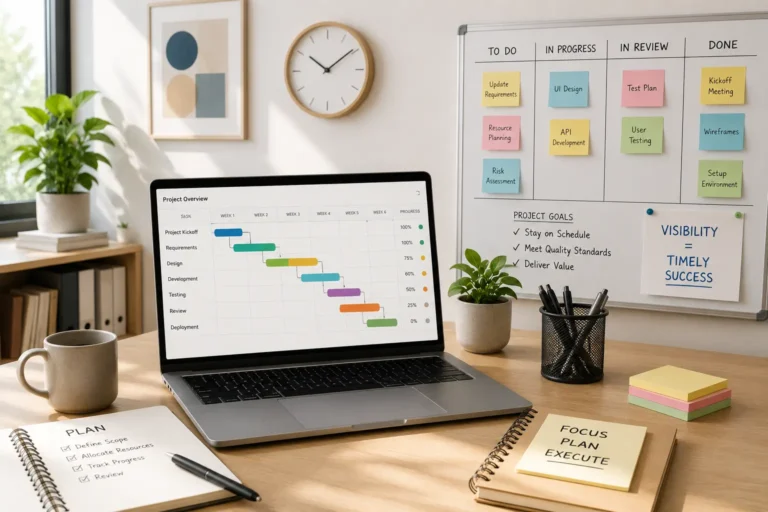
Contractors and service businesses often manage two separate working environments. Office staff handle customer communication, job scheduling, documents, and planning, while field teams complete the physical work at customer locations.
Problems begin when those teams rely on different systems. The office may update a schedule that field technicians never see. Job notes may remain trapped in emails or text messages. Completed work may not reach the office in time for customer follow-up or invoicing.
A connected work management system gives both teams access to the same schedules, job information, tasks, documents, and updates. This reduces communication gaps and gives managers a clearer view of work from assignment through completion.
Quick Answer
How do work management systems connect office and field teams?
Work management systems connect office and field teams by keeping schedules, job details, customer information, task ownership, documents, and real-time updates in one shared platform. Office staff can assign and monitor work while field employees receive current instructions, submit progress updates, and complete tasks from mobile devices.
What happens when the office and field are working from different information?
Small gaps turn into missed updates, rework, and delays because no one has the full picture. Even when teams work hard, the lack of a shared system keeps them out of sync.
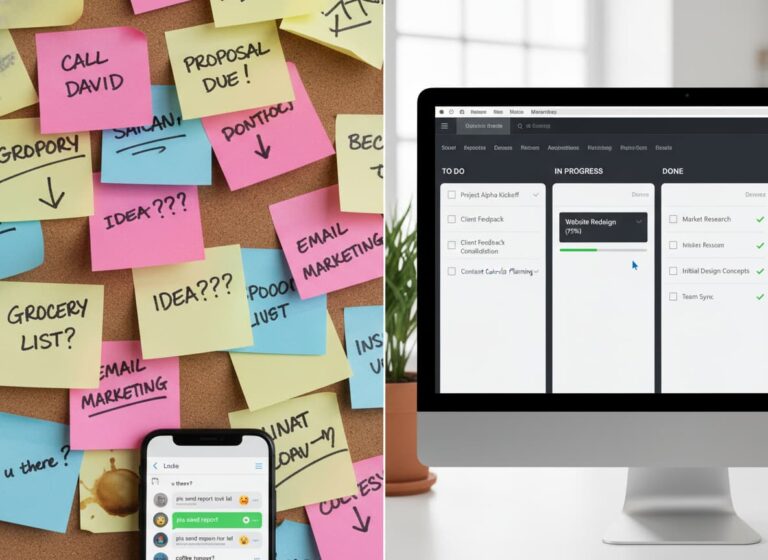
Job details get lost in chats. Field updates don’t reach the office in time. Schedules shift, but no one gets notified. The result? Miscommunication, rework, and delays that cost both time and money.
That’s where a work management system steps in. It bridges the gap between office teams and field crews so everyone stays in sync, no matter where they are.
Office vs. Field: Where the Disconnect Happens
In a typical setup without a proper system, here’s how misalignment happens:
- The office creates the schedule, but the field doesn’t see real-time updates.
- Job notes are buried in emails or sticky notes.
- Technicians forget to submit job completion details until days later.
- Office staff can’t track who did what, when, and where.
- Time tracking and task status rely on memory, not data.
| Disconnected Process | Office Impact | Field Impact | Connected-System Fix |
|---|---|---|---|
| Schedule changes sent through texts | Staff must confirm whether updates were received | Crews may follow an outdated schedule | Update one shared calendar in real time |
| Job notes stored in emails or chats | Customer details become difficult to locate | Technicians may arrive without full instructions | Attach notes and documents to the job record |
| Field progress reported manually | Managers spend time chasing updates | Technicians repeat information through calls | Allow mobile status and task updates |
| Completion details submitted late | Invoicing and customer follow-up are delayed | Completed work remains marked as open | Connect task completion with job status |
| Separate office and field tools | Data must be copied between systems | Crews lack access to current business records | Use one connected work management platform |
Even if everyone is doing their best, the process is full of holes that slow the business down. Learn more about how work management software improves field team communication by keeping job instructions, updates, and responsibilities visible.
Office and Field Teams Without vs. With a Work Management System
| Area | Without a Work Management System | With a Work Management System |
|---|---|---|
| Job updates | Updates get buried in texts, calls, or emails | Updates stay attached to the job record |
| Scheduling | Crews miss changes or receive them late | Field teams see updated schedules faster |
| Accountability | Staff rely on memory or manual notes | Tasks, status, and completion details are tracked |
| Communication | Office staff chase updates manually | Teams work from one shared system |
| Job visibility | Managers struggle to see what is done | Admins see job progress in real time |
| Delays | Small gaps turn into missed work or rework | Issues are easier to spot before they grow |
Signs Your Office and Field Teams Need a Better Work Management System
Your team may need a better work management system if job updates often arrive late, technicians depend on group chats, office staff spend too much time following up, or managers struggle to see which jobs are delayed.
Other signs include repeated scheduling mistakes, missing job notes, unclear task ownership, and delayed completion reports. These problems create friction between the office and field because no one has one clear source of truth.
What a Work Management System Actually Does
A modern work management system connects every job, task, and team member in one place. Whether you’re in the office or on the job site, you’re working from the same system, not separate pieces of the puzzle. A connected work management system gives office staff and field teams one shared place for tasks, job records, schedules, and progress updates.
Here’s how it bridges the gap:
- Live Job Status: See job progress in real time without calling or texting the crew.
- Centralized Communication: Notes, updates, and attachments are saved on the job record, no more scattered chats.
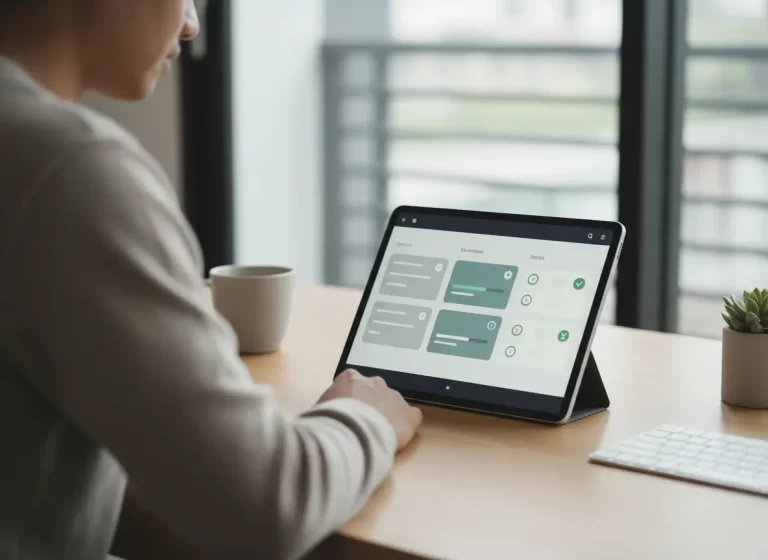
- Mobile-Friendly Tasks: Field crews can check schedules, view site details, and mark jobs as done from their phones.
- Time Tracking: Clock in/out from the field with accurate timestamps.
- Office Visibility: Admins know what’s complete, what’s delayed, and what needs attention.
The result? Fewer mistakes, less chasing updates, and more jobs getting done on time.
How Information Should Flow Between Office and Field Teams
A connected workflow begins when the office creates or schedules a job. The customer record, address, scope of work, assigned crew, documents, and expected completion date should remain attached to that job.
Field employees should then be able to open the assignment from a mobile device, review the latest instructions, add notes or photos, update task progress, and mark the work as complete.
Once the field update is submitted, office staff should immediately see the new status. This allows the team to answer customer questions, schedule the next stage, prepare an invoice, or resolve a delay without waiting for a separate phone call or end-of-day report.
How Work Management Systems Help Small Contractors Stay Aligned
Work management systems aren’t just for big construction companies. Small teams benefit even more because:
- You don’t have extra staff to chase updates manually.
- You need to be lean and efficient to stay competitive.
- You can’t afford missed jobs or duplicate work.
A simple system gives you structure without adding complexity. It saves time, reduces stress, and gives your team room to grow. Businesses using scattered tools should also review why CRM, scheduling, HR, and accounting systems need to work together.
Signs Your Office and Field Teams Are Disconnected
Your teams may need a shared work management system when:
- Field crews repeatedly call the office for addresses or job instructions
- Office staff cannot confirm whether work has started or finished
- Schedule changes are communicated through several separate messages
- Customer notes are stored in email, texts, paper notes, or spreadsheets
- Completed jobs wait too long before being invoiced
- Managers spend part of every day chasing progress updates
- Employees use different versions of the same document
- Customers receive conflicting information from office and field staff
These problems are usually not caused by employee effort. They happen because important information is moving through disconnected tools and manual handoffs.
How Contractors Use Work Management Systems Day to Day
Contractors use work management systems to assign jobs, update schedules, track progress, attach job notes, monitor task completion, and keep office staff informed without constant calls or texts.
For example, when a technician updates a job status from the field, the office sees the change without waiting for an end-of-day report. This helps teams respond faster, reduce confusion, and keep clients informed.
Office and Field Team Alignment Checklist
Before introducing a connected work management system, confirm that the business has defined:
- Who creates and schedules each job
- What information field employees need before arrival
- Who owns schedule and assignment updates
- How technicians report progress from the field
- Where job notes, photos, and documents are stored
- When a job should be marked complete
- Who reviews completed work before invoicing
- How urgent changes are communicated
- Which system serves as the final source of truth
A connected platform works best when every employee knows where information belongs and which updates they are responsible for completing.
Final Take
If your office and field teams are still operating on different systems or worse, no system at all, it’s time to bridge that gap.
A good work management system connects everything: schedules, job updates, communication, and accountability. It creates one clear source of truth for everyone, no matter where they’re working. See how businesses can standardize contractor operations across office and field teams with clearer workflows and one source of truth.
At MyBusinessPortal.cloud, we built our work management tool for contractors who are tired of juggling spreadsheets, group chats, and guesswork. It works alongside your HR, CRM and calendar to keep your team moving together, not apart.
Connect Your Teams
Give Office and Field Teams One Shared System
MBP helps contractors connect schedules, tasks, customer records, job updates, documents, and team responsibilities so everyone works from the same information.
Explore Work Management Schedule a DemoFrequently Asked Questions
Why do office and field teams get disconnected so easily?
They rely on different tools. The office uses schedules and emails, while the field uses texts and calls. Without a shared system, updates arrive late or not at all.
What problems does this office–field disconnect cause?
Miscommunication, rework, missed updates, delayed jobs, and wasted time chasing information. Even small gaps add up fast.
Why is centralized communication important?
When notes and files are tied directly to a job, nothing gets lost in inboxes or chats. Everyone sees the same information.
What is the best way to improve communication between office and field teams?
The best way to improve communication is to use one shared system for schedules, job notes, task updates, and completion tracking. This keeps both office staff and field crews working from the same information.
How does work management software reduce missed job updates?
Work management software reduces missed updates by storing job changes, notes, task status, and field reports in one place. Teams no longer need to rely on scattered calls, texts, emails, or sticky notes.
Is work management software useful for small contractors?
Yes. Small contractors benefit because they often have fewer staff members to chase updates manually. A shared system helps small teams stay organized without adding extra admin work.