Field teams lose hours every day because they work without real-time access to information. When technicians rely on paper forms, office calls, or outdated systems, simple tasks take longer than they should.
The result:
- delayed jobs
- repeated site visits
- data entry duplication
- communication breakdown
- lost billable hours
Mobile-friendly tools remove these delays by giving technicians instant access to the information and systems they need to work efficiently.
This guide explains what causes the time loss, how mobile tools fix it, and what you should look for when upgrading your field operations.
Quick Answer
Why do field teams waste time without mobile-friendly tools?
Field teams waste time without mobile-friendly tools because technicians cannot easily access current job details, service history, schedules, customer information, inventory, and updates while working away from the office. Mobile tools give crews direct access to this information and allow them to update job progress without relying on repeated calls, paperwork, or manual data entry.
Why Field Teams Waste Time Every Day
Most delays come from disconnected systems. Field teams and office staff operate from different information sources, which slows decision making and job completion.
| Field Work Area | Manual Workflow | Mobile-Friendly Tools |
|---|---|---|
| Job details | Crews call the office for instructions, notes, or customer history. | Crews access job details from the field. |
| Schedule updates | Dispatch changes are shared through calls or texts. | Schedule changes update in real time. |
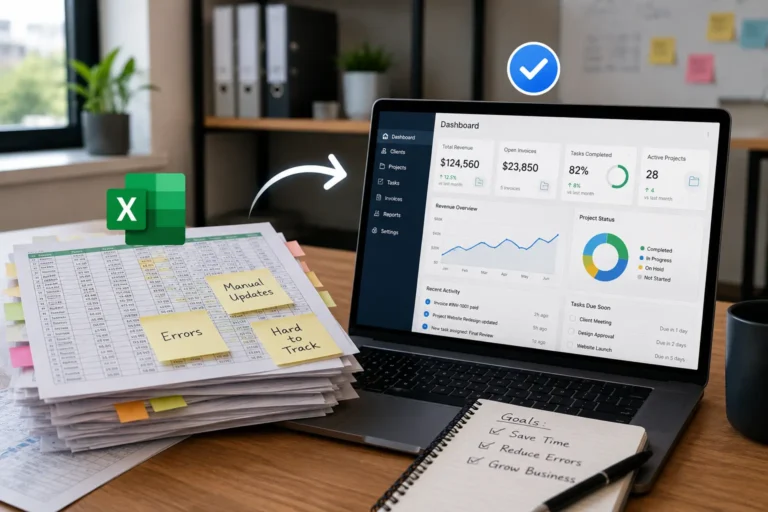
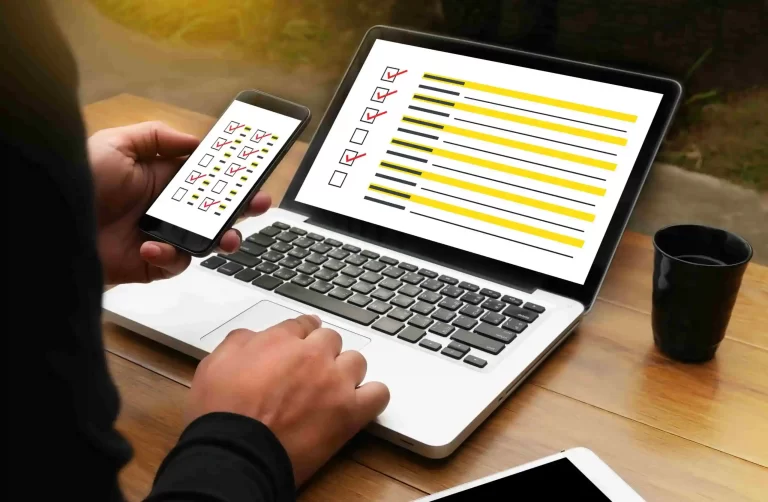
| Forms and reports | Paper forms are filled out on-site and re-entered later. | Digital forms sync directly into the system. |
| Customer records | Technicians may not see past service history before arriving. | Customer notes and job history are available on mobile devices. |
| Office communication | Field crews wait for office replies before moving forward. | Updates, photos, and notes can be shared instantly. |
| Inventory checks | Crews call the office or warehouse to confirm parts. | Inventory details are easier to check before or during the job. |
| Job completion | Completed work is reported later, causing billing delays. | Job status can be updated as soon as work is done. |
How Office and Field Teams Lose Time Without Mobile Access
When office and field teams do not share the same real-time system, every update takes longer than it should. A simple schedule change becomes a phone call. A missing job note becomes a delay. A customer question becomes a back-and-forth message thread.
The wasted time usually shows up in small moments that repeat all day.
| Time-Wasting Problem | How It Slows the Team Down |
|---|---|
| Crews call for job details | Technicians pause work while waiting for information. |
| Dispatch cannot see job progress | Office staff must chase updates before adjusting schedules. |
| Photos and notes are sent separately | Important details get lost across phones, chats, and email. |
| Paper forms return late | Office work, invoicing, and reporting get delayed. |
| Customer history is not available on-site | Crews may ask repeated questions or miss important details. |
| Schedule changes are not synced | Teams show up late, arrive unprepared, or miss updates. |
Mobile-friendly tools reduce these delays by giving both sides one place to view job details, send updates, track progress, and keep work moving.
1. No real-time access to job information
Technicians often arrive on-site without full service history, manuals, or instructions. They must call the office or wait for documents.
Impact:
- slower troubleshooting
- incomplete work
- repeat visits
2. Paper-based reporting and double data entry
Technicians record information manually. Office staff later re-enter the same data into software.
Impact:
- wasted labor hours
- transcription errors
- delayed invoicing
3. Poor communication between field and dispatch
Without live updates, dispatchers cannot track job progress or technician availability.
Impact:
- inefficient scheduling
- longer travel time
- missed urgent jobs
4. Limited access to inventory and customer records
Technicians cannot verify parts, warranties, or service history on-site.
Impact:
- unnecessary trips back to the warehouse
- incomplete repairs
- frustrated customers
How Mobile Tools Fix Field Team Inefficiency
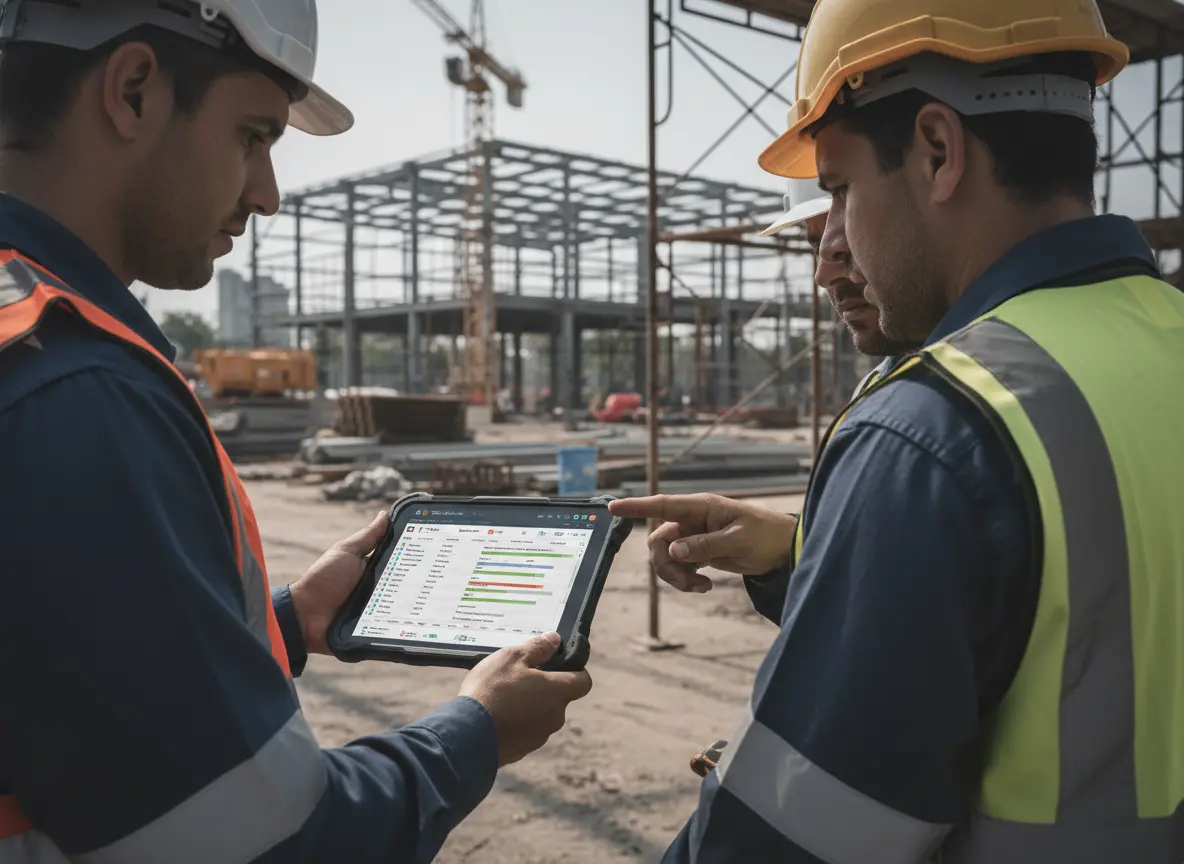
Mobile-first platforms connect field and office operations into one system. Technicians access and update information instantly from their phones or tablets.
Real-time data access
Technicians view service history, manuals, and job details on-site. Problems get resolved faster.
Automated reporting
Digital forms sync instantly with the system. No manual re-entry required.
Live job updates and scheduling
Dispatchers see job progress and technician location. Scheduling becomes dynamic and efficient.
On-site inventory visibility
Teams confirm parts availability before leaving the job site.
What to Look for in a Mobile Work Management Tool
If you want to eliminate wasted time, the tool must support real field conditions. Not all software does.
Look for:
- real-time cloud access
- mobile-optimized interface
- offline capability for weak signal areas
- integrated scheduling and dispatch
- digital forms and reporting
- customer and service history tracking
- inventory visibility
- automatic data syncing
If a system requires VPN access or desktop-style navigation, it will slow field teams down.
How MBP Powers Mobile Field Operations
MyBusinessPortal.Cloud connects field and office teams through one cloud-based system.
Your team can:
- access job data anywhere
- update tasks in real time
- sync schedules instantly
- submit reports from the field
- manage customers and work orders in one platform
Because the system runs in the cloud, technicians and office staff see the same information at the same time. This removes delays, duplication, and communication gaps.
How Mobile Tools Boost Productivity and Profits
Mobile field tools can help businesses improve:
- faster job completion
- fewer repeat visits
- reduced paperwork
- quicker invoicing
- improved technician productivity
- higher customer satisfaction
Reducing unnecessary travel, duplicate data entry, paperwork, and repeated office calls can give field teams more time to focus on completing scheduled work.
Eliminate Field Team Inefficiencies with MBP
Clinging to outdated processes means choosing wasted hours and lost revenue. For mobile and field teams, that friction shows up fast, missed updates, delayed jobs, and constant back-and-forth. Modern tools remove those roadblocks and give your team the speed and clarity they need to perform at a high level.
MyBusinessPortal.Cloud provides the infrastructure to make that shift smooth. With connected Work Management, Calendar, CRM, and HR, your field and office teams stay aligned in real time. Tasks update instantly, schedules stay accurate, and everyone knows what comes next.
Don’t let inefficiency define your operations. Equip your team with the right tools, streamline your workflow, and stay focused on delivering exceptional service with MBP.
Equip Your Field Team
Give Crews the Job Information They Need From Anywhere
MBP connects work management, scheduling, customer records, employee information, and inventory so field crews can access job details and submit updates without relying on paper forms or repeated office calls.
Explore Work Management Schedule a DemoField Service Mobile Tools FAQs
Why do field teams waste time without mobile-friendly tools?
Field teams waste time because they cannot access job details, schedules, customer notes, forms, or updates in real time. This creates office calls, repeated questions, paperwork delays, and slower job completion.
What are mobile-friendly tools for field teams?
Mobile-friendly tools are systems that let crews access schedules, job details, customer history, task updates, forms, photos, and progress tracking from phones or tablets.
How do mobile tools improve office and field communication?
Mobile tools improve communication by keeping job updates, schedules, notes, and progress visible to both office and field teams. This reduces calls, missed updates, and repeated follow-ups.
Why is real-time job access important for field teams?
Real-time job access helps technicians see current instructions, customer details, service history, and schedule changes while they are on-site. This helps them work faster and avoid delays.
When should a business switch to mobile field team software?
A business should switch when crews keep calling the office for updates, paperwork delays billing, job details get missed, or field and office teams use different systems to track work.er, which is then manually entered into the system by office staff. This results in delayed invoicing and inefficiencies in updating job progress. Automated digital reporting solves this problem by syncing data instantly.