A schedule is only useful if it reflects reality. The moment a job runs long, a technician calls in sick, or a client reschedules, your carefully planned day starts drifting away from what is actually happening on the ground. If someone has to manually update that schedule, there is always a lag. And in field service operations, lag is where problems live.
This is the case for automated schedule updates. Not just faster updates, but a system that adjusts itself based on real conditions, without waiting for someone to catch up.
What Is a Self-Updating Schedule?
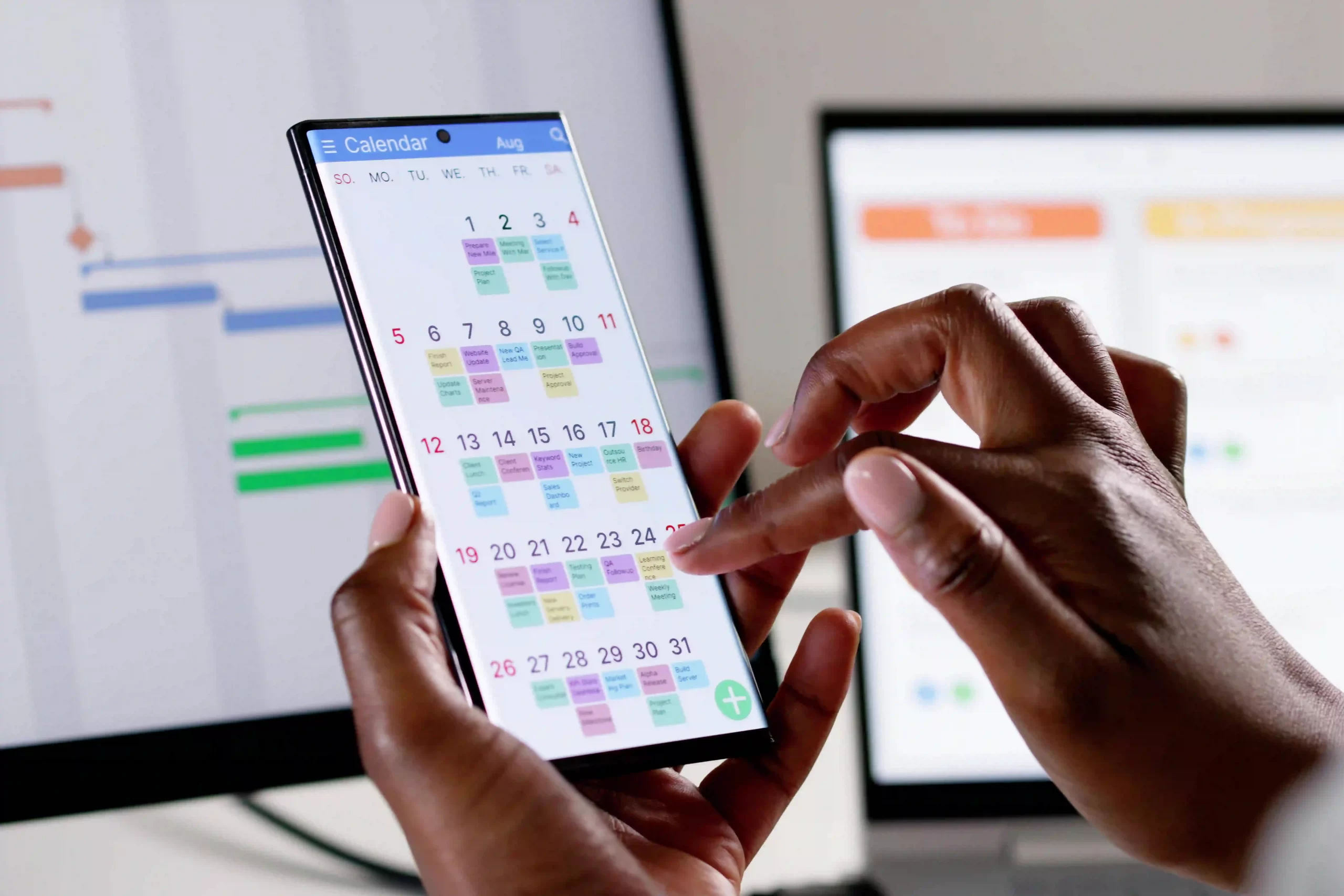
A self-updating schedule is a digital scheduling system that adjusts automatically when jobs change, crews become available, appointments move, or conflicts appear. For contractors and field service teams, it reduces manual updates, prevents double-booking, improves dispatch accuracy, and keeps office staff and technicians working from the same real-time schedule.
The Problem with Manual Schedule Management
It Depends on Perfect Behavior
Manual scheduling works when everyone logs updates promptly, communicates changes immediately, and checks the schedule before making decisions. That is a lot to ask of a team managing multiple jobs across multiple sites in a fast-moving workday. One missed update and the schedule is already wrong.
It Creates Bottlenecks
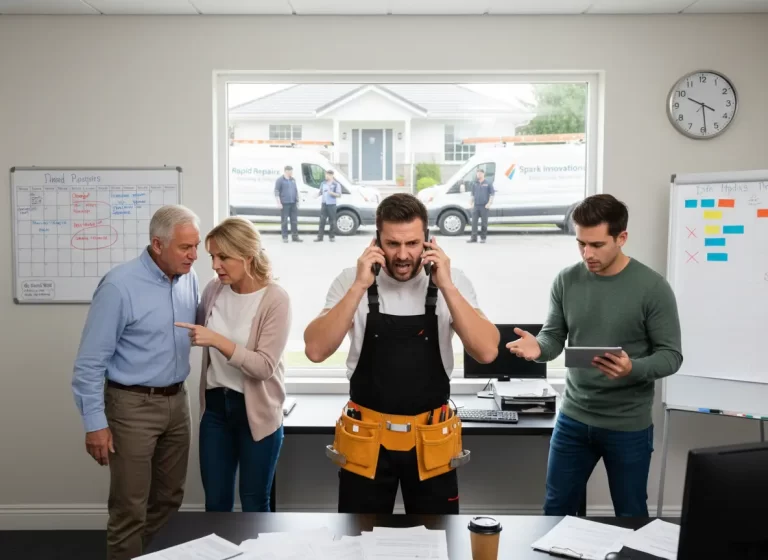
When schedule changes route through a dispatcher or office manager, that person becomes a single point of failure. During peak hours, update requests stack up. By the time they work through the queue, conditions have shifted again. Your team is operating on outdated information.
It Does Not Scale
Managing five crews manually is feasible. Managing fifteen is not. As your operation grows, the number of variables increases exponentially. A manual system that worked at one scale will collapse at another unless you keep adding headcount just to maintain it.
When updates depend on manual entry, even a small change can create a chain reaction across the whole team. This is why many service businesses move to contractor scheduling software that keeps job changes, crew availability, and calendar updates in one connected place.
What Automated Schedule Updates Actually Mean
Automated scheduling is not about removing human judgment from the process. Your dispatcher still makes strategic decisions. Your managers still handle exceptions. Automation handles the routine: updating availability when a job closes, flagging conflicts when a new booking overlaps with an existing one, sending assignment notifications without a phone call.
A self-updating schedule works better when it connects with your CRM, job records, and customer details. This helps teams see who the customer is, what job was requested, and what updates need to happen without switching between disconnected tools.
Think of it as keeping your schedule current so your team can focus on executing it rather than maintaining it.
The Triggers That Should Drive Automatic Updates
Job Completion
When a technician marks a job complete in the field, that crew should immediately show as available in your scheduling system. No phone call. No manual flag. The completion event triggers the availability update, and the dispatcher sees it in real time.
Job Duration Changes
If a technician updates a job from a two-hour estimate to a three-hour actual, every subsequent job in that technician’s queue needs to be recalculated. Automated systems push those adjustments through the schedule instantly, rather than waiting for someone to notice the domino effect.
Cancellations and Reschedules
When a client cancels or moves a booking, that slot opens up and becomes available for reassignment. An automated system surfaces that opening immediately so your dispatcher can fill it rather than discovering it empty the morning of.
Resource Availability Changes
A technician calls in sick. A vehicle is taken out of service. Any change to the resources your schedule depends on should trigger an immediate review and adjustment. Automated systems flag these changes and surface the affected jobs so someone can act on them.
Building a Self-Updating Schedule: What You Need
Mobile-First Field Updates
Your technicians are the closest source of truth to what is actually happening. For automation to work, they need a simple way to submit status updates from the field. If updating job status takes more than a few taps, compliance will be inconsistent and your automation will run on incomplete data.
Bidirectional Data Flow
Your scheduling system needs to talk to your dispatch tools, your work management platform, and your HR system. When any of these change, the schedule should reflect it. A one-way integration, where data only flows in a single direction, breaks the loop and reintroduces manual work.
Rule-Based Conflict Resolution
Define the rules your system uses to flag or resolve conflicts automatically. What is the maximum jobs per crew per day? What is the minimum buffer between assignments? When does a conflict require human review versus automatic adjustment? These rules turn your scheduling system from a calendar into an active management tool.
Notification Logic
Automation should not just update records silently. The right people need to be notified at the right time. A technician’s next job should push to their phone as soon as it is finalized. A dispatcher should get an alert when a conflict cannot be auto-resolved. Good notification logic is what makes automation feel responsive rather than opaque.
Why This Matters for Client Experience
Clients book appointments with expectations. When your schedule slips without anyone noticing, those expectations go unmet. Automated scheduling reduces the gap between what your system says and what is actually happening, which means fewer missed appointments, more accurate arrival windows, and fewer emergency calls from clients wondering where their technician is.
That reliability compounds. Clients who can count on you become repeat clients. They leave reviews. They refer others. The operational benefit of a self-updating schedule translates directly into client retention.
How MyBusinessPortal.Cloud Makes This Work
MyBusinessPortal.Cloud connects your scheduling, dispatch, field updates, and resource management into a single platform. When a technician closes a job, the schedule updates. When a booking changes, affected assignments are flagged. When your calendar shifts, your team knows without a phone call.
The platform is designed for field service teams that cannot afford to manage their tools more than they manage their work. Automation handles the maintenance so your people can handle the jobs.
When scheduling connects with a work management system, teams can track the job from assignment to completion. Dispatchers see the schedule, technicians see the work details, and managers get a clearer view of progress without chasing updates.
Want a schedule that updates without constant manual work?
See how MyBusinessPortal.Cloud connects your calendar, dispatch, CRM, and field updates in one place.
Conclusion
A schedule that requires constant manual upkeep is a liability. Every gap between what the schedule says and what is actually happening is an opportunity for a missed job, a double-booked crew, or a frustrated client.
Automated schedule updates close that gap. When your calendar reflects real conditions in real time, your entire operation runs more smoothly. And when that scheduling data connects to your CRM, work management system, and HR platform, you stop reacting to problems and start running ahead of them. That is what a truly integrated business looks like, and it starts with a schedule that takes care of itself.
Frequently Asked Questions
What is a self-updating schedule?
A self-updating schedule is a scheduling system that automatically adjusts when jobs, crews, appointments, or availability change.
How does automated scheduling help contractors?
Automated scheduling helps contractors reduce double-booking, missed jobs, manual updates, and dispatcher workload.
Why is real-time scheduling important for field service teams?
Real-time scheduling keeps office staff, dispatchers, and technicians aligned when job conditions change during the day.