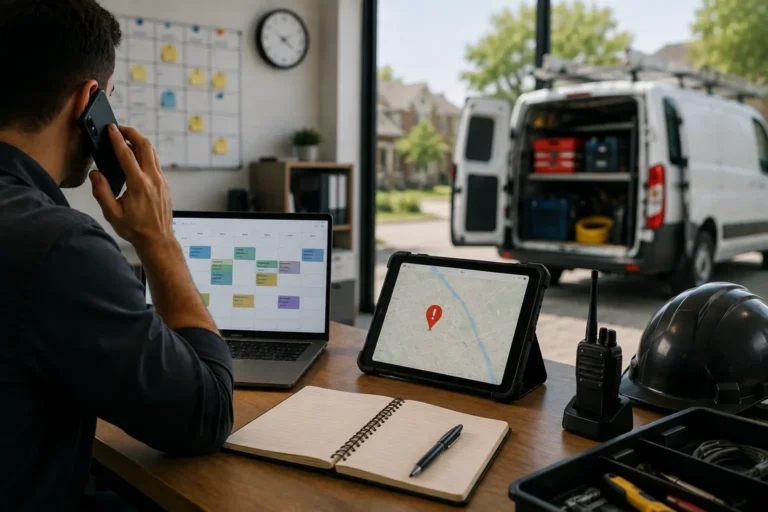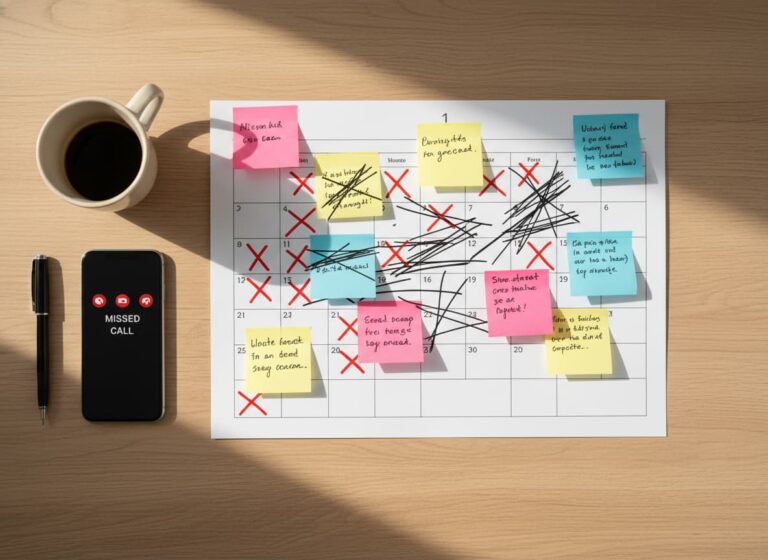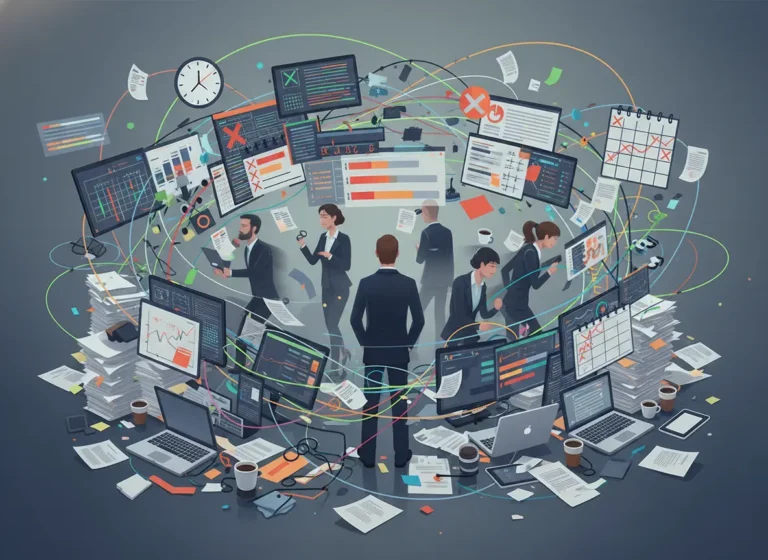
If you run a contracting or field service business, you’ve probably asked this at least once today:
- Who’s on-site right now?
- Who finished early?
- Who’s running late?
- Who’s actually available for the next job?
If the answer requires calling three people, checking two apps, and scanning a whiteboard, your system is working against you.
Tracking who’s working where should be simple. If it feels complicated, the problem is not your team.
It’s your setup.
Quick Answer
Why is it so hard to keep track of who’s working where?
It becomes difficult to track field teams when schedules, job assignments, technician availability, time records, and job status live in different systems. A connected scheduling and work management platform gives managers a real-time view of who is assigned, who is available, and which jobs are active.
Why Tracking Employee Locations Gets Hard as Teams Grow
Small teams grow quickly.
You start with two technicians. Then five. Then eight.
Suddenly you’re managing:
- Multiple job sites
- Different skill sets
- Overlapping schedules
- Emergency calls
- Overtime hours
Without a connected system, visibility disappears.
The office assumes someone is free.
The technician assumes the schedule is final.
The client assumes you’re organized.
That gap creates stress, mistakes, and lost time.
The Hidden Costs of Poor Workforce Visibility
When you don’t know who’s working where in real time, you pay for it.
You double-book jobs.
You send the wrong technician.
You overload one person while another waits idle.
You approve overtime you didn’t plan.
Field team productivity drops because assignments feel chaotic.
Operational inefficiency increases because managers spend their time chasing updates instead of leading the business.
How to Track Who Is Working Where in Real Time
The solution is not more group chats.
It’s integration.
When your CRM, work management system, calendar, and HR tools are connected, tracking becomes automatic.
Here’s what that looks like.
A client calls.
The lead enters your CRM.
The job converts into a task inside work management.
The calendar assigns a technician based on real-time availability.
HR records time and workload limits in the background.
Now everyone sees the same information.
No guessing.
Real-Time Visibility Changes Everything
When systems are unified:
- You open one dashboard and see all active jobs.
- You see which technician is assigned to each site.
- You know who is available later today.
- You see approved leave instantly reflected in the calendar.
- You spot overload before it becomes burnout.
This is not about micromanaging.
It is about clarity.
When managers have visibility, decisions improve.
Skill-Based Assignment Prevents Mistakes
Not every technician should handle every job.
If HR records certifications and skill levels inside the same platform that handles scheduling, you avoid risky assignments.
The calendar filters by:
- Availability
- Skill set
- Workload
- Location
You assign the right person the first time.
No reshuffling.
Mobile Updates Close the Gap
One of the biggest mobile workforce challenges is delayed updates.
If technicians must call the office to confirm job status, information lags.
But when your work management system allows mobile updates:
- Technicians mark jobs complete in real time.
- Status updates reflect instantly in the office.
- The calendar adjusts automatically.
- Client history updates inside CRM.
No information black holes.
Just continuous flow.
Time Tracking Without the Headache
Time management in field service becomes easier when:
- Clock-ins connect directly to assigned jobs.
- Travel time is visible.
- Overtime appears before payroll.
HR integration ensures hours match actual job activity.
You stop arguing about time logs.
You start trusting the system.
What Simple Really Means
Simple does not mean basic.
Simple means:
- One login
- One dashboard
- One source of truth
- No duplicate entry
- No separate tracking boards
When CRM captures client details, work management handles tasks, the calendar reflects real availability, and HR tracks time and compliance inside the same system, you finally know who is working where.
Without chasing anyone.
The Bottom Line
If managers regularly have to call or message employees just to confirm assignments, availability, or job status, the current scheduling process may no longer be keeping up with the business.
Tracking who’s working where should not require detective work.
MyBusinessPortal.Cloud connects CRM, work management, calendar scheduling, and HR into one platform built for contractors and field service teams.
Because clarity increases productivity.
And productivity increases profit.
Improve Workforce Visibility
See Crew Assignments and Job Status in One Place
MBP connects scheduling, work management, CRM, and HR so contractors can see crew assignments, job status, availability, and workload without relying on repeated calls or separate tracking tools.
Explore MBP Calendar Schedule a DemoFrequently Asked Questions
Why is it hard to keep track of who is working where?
It becomes hard when schedules, job assignments, technician availability, and time records live in different tools. Without one connected system, managers rely on calls, texts, and assumptions instead of real-time visibility.
What problems happen when workforce visibility is poor?
Poor visibility leads to double bookings, wrong technician assignments, unexpected overtime, and missed job updates. It also wastes manager time because they have to chase people for status instead of making quick decisions.
How does real-time visibility improve field team productivity?
Real-time visibility shows who is on-site, who is available, and which jobs are active. This helps managers assign work faster, reduce idle time, and prevent overloaded schedules.
Why is skill-based assignment important for contractors?
Not every technician has the same certifications, tools, or experience. Skill-based assignment helps ensure the right person goes to the right job, reducing mistakes, rework, and safety risks.
How do mobile updates help office and field teams stay aligned?
Mobile updates allow technicians to mark jobs complete, update status, and send notes from the field. The office sees those updates instantly, so there is no need for constant calls or follow-ups.