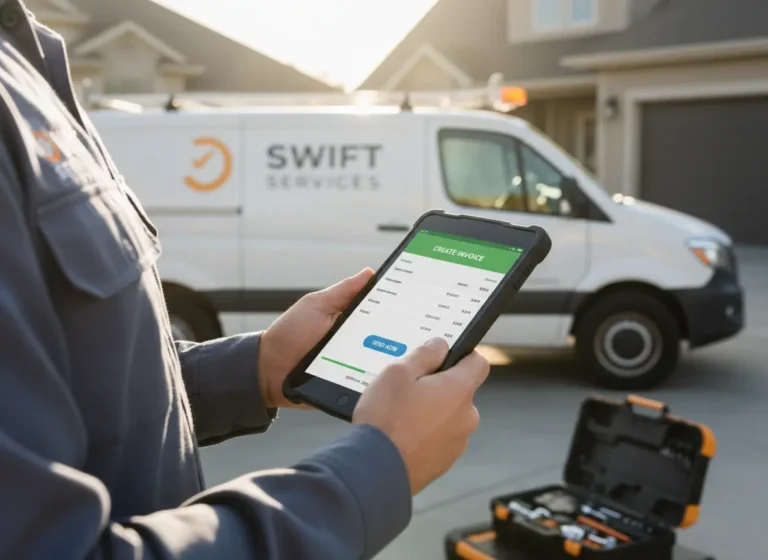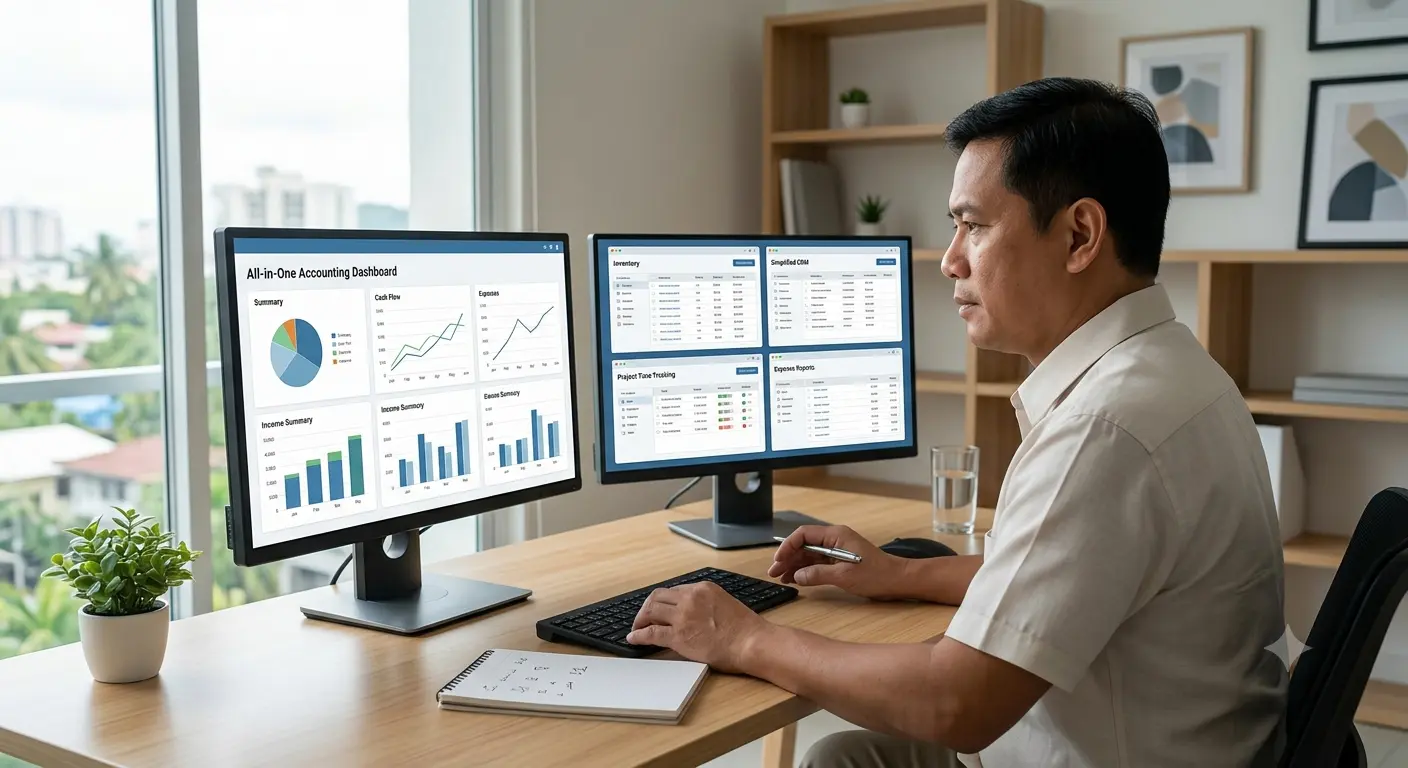
Small businesses and contractors need accounting tools that make daily financial work easier, not more scattered. When invoicing, expense tracking, job costing, payment status, and reports live in different apps, teams spend more time switching tools and checking whether the numbers match.
Separate tools can work when a business has advanced accounting needs or a dedicated finance team. But for many small contractors, an all-in-one accounting system is easier to manage because it keeps financial tasks connected to jobs, customers, payments, and daily operations.
The best choice depends on your workload, team size, reporting needs, and how much time you want to spend syncing data between systems.
Quick Answer
Are all-in-one accounting tools better than separate tools?
All-in-one accounting tools are usually better for small contractors that need invoicing, expense tracking, job costing, payment status, and basic reports in one connected system. Separate tools may be better for businesses with advanced accounting requirements, specialized workflows, or a dedicated finance team.
What Are All-in-One Accounting Tools?
An all-in-one tool is a single platform that handles everything in one place. For accounting, this might include:
- Invoicing
- Expense tracking
- Job costing
- Payment status
- Simple financial reports
These tools are designed to streamline your workflow so you don’t have to log into three different apps to manage your money.
What Are Separate Accounting Tools?
Using separate tools means using one platform for invoicing, another for expense tracking, and maybe a spreadsheet for job costing. Each tool may be great at its one task, but it requires more setup, more syncing, and more time jumping between systems.
All-in-One Accounting Tools vs Separate Accounting Apps
All-in-One Tools
Pros:
- Everything is in one place
- Easier to manage day-to-day finances
- No need to sync or import/export data
- Lower learning curve for your team
Cons:
- May not have advanced features for each task
- Some tools try to do too much and end up too basic
Separate Tools
Pros:
- Can choose the best tool for each function
- More customization for advanced users
Cons:
- More time spent managing logins, syncing, and updates
- Higher risk of errors if data does not transfer correctly
- Steeper learning curve and more complexity for small teams
| Comparison Area | All-in-One Accounting | Separate Accounting Tools |
|---|---|---|
| Daily management | Financial tasks stay in one platform | Employees switch between several apps |
| Data consistency | Records update within the same system | Data may require syncing or manual transfer |
| Setup complexity | Simpler setup for small teams | Each app requires separate configuration |
| Specialized features | May provide fewer advanced options | Allows specialized software for each function |
| Contractor workflows | Can connect customers, jobs, expenses, and invoices | Job and financial data may remain separated |
| Best suited for | Small teams needing simpler daily operations | Businesses with advanced or specialized requirements |
What Works Best for Small Business Accounting?
For most small businesses and contractors, the simplicity of an all-in-one tool is the better choice. When you’re managing jobs, clients, and a crew, you don’t have time to piece together a custom tech stack.
An all-in-one platform lets you send invoices, track expenses, and monitor payments without jumping through hoops. You gain time, reduce mistakes, and keep your financial data organized from start to finish.
What Works Best for Contractor Accounting?
Contractors usually need more than basic accounting. They also need to connect money to jobs, crews, materials, customers, and completed work.
A separate invoicing app might send bills, but it may not show job profitability. A spreadsheet might track expenses, but it may not connect costs to work orders. A standalone payment tool might collect money, but it may not show which jobs are still unpaid.
For contractors, an all-in-one system is often easier because it connects accounting with daily operations.
| Contractor Need | Why It Matters |
|---|---|
| Invoicing | Gets paid faster |
| Expense tracking | Controls job costs |
| Job costing | Shows profit by job |
| Payment status | Tracks unpaid work |
| Customer records | Connects billing to clients |
| Work updates | Links completed jobs to invoices |
Small businesses can use accounting software to manage invoices, expenses, payment status, job costs, and basic reports in one place.
When accounting needs to connect with completed work, work management software helps teams link job updates, tasks, and completion status to billing.
For customer records, quote follow-ups, and billing history, CRM software keeps client information connected to the financial side of the business.
When Separate Accounting Tools Make Sense
Separate tools may still make sense if your business has complex financial reporting, a dedicated accounting team, advanced tax workflows, or very specific software requirements.
They can also work when each tool connects cleanly with the others and someone is responsible for maintaining the system.
For most small teams, the risk is that separate tools slowly turn into a messy tech stack. If no one owns the setup, data can become outdated, duplicated, or incomplete.
Questions to Ask Before Choosing Your Accounting Setup
Choose an accounting setup based on how the business actually operates.
Ask:
- Do employees enter the same information into multiple tools?
- Do invoices connect directly to completed jobs?
- Can expenses and materials be assigned to individual projects?
- Does the team regularly fix syncing or import errors?
- Can managers see unpaid invoices and job costs in one place?
- Does the business need advanced tax, payroll, or reporting features?
- Is someone responsible for maintaining every integration?
- Will the system remain manageable as job volume increases?
An all-in-one platform is usually the better fit when simplicity and connected daily workflows matter most. Separate tools may be more appropriate when the business requires specialized accounting functions that a general platform cannot provide.
Connect Your Financial Work
Manage Accounting Without Switching Between Apps
MBP helps contractors connect invoicing, expenses, payment status, job costs, customers, and completed work in one business platform.
Explore MBP Accounting Schedule a DemoRelated Accounting Resources for Small Businesses and Contractors
- Why Your Accounting Software Must Integrate with Job Tracking Tools
- Best Accounting Software for Small Businesses and Contractors in 2025
- The Hidden Cost of Manual Invoicing for Small Contractors
- How to Track Job Profitability in Real Time
- How to Send Invoices from the Field and Get Paid Faster
All-in-One vs Separate Accounting Tools FAQs
What is an all-in-one accounting tool?
An all-in-one accounting tool helps businesses manage invoicing, expenses, payment status, job costing, and basic reporting in one system instead of switching between separate apps.
Are separate accounting tools better for small businesses?
Separate accounting tools can work for advanced users, but they often create more setup, syncing, logins, and manual checking. Small businesses usually benefit from simpler connected systems.
Why do contractors need connected accounting tools?
Contractors need connected accounting tools because invoices, payments, job costs, customers, materials, and completed work are all related. Disconnected tools make it harder to see true job profitability.
What is the risk of using too many accounting apps?
Using too many accounting apps can create duplicate data, missing updates, sync errors, higher admin time, and confusion over which system has the correct financial information.
When should a business switch to an all-in-one system?
A business should switch to an all-in-one system when separate apps, spreadsheets, and manual syncing start causing errors, delays, missed invoices, or extra admin work.
Final Take: Choose Accounting Tools That Keep Financial Work Connected
Managing your business finances shouldn’t feel like a juggling act. Whether you’re tracking expenses, sending invoices, or reviewing profits, the right tools make all the difference.
For small business owners and contractors, an all-in-one system brings everything together in one place, making it easier to stay on top of your accounting without the hassle of switching between apps or dealing with disconnected data.
MyBusinessPortal.cloud offers an accounting solution that’s simple, efficient, and built specifically for teams like yours. It helps you save time, reduce errors, and keep your finances organized all from one dashboard.