If you’re still sending out handwritten invoices, typing them up in Word, or copying and pasting from an old spreadsheet template, you’re not alone. Many small contractors start this way. It feels simple and cheap.
But here’s the truth: manual invoicing may be costing you more than you think.
Quick Answer
What are the hidden costs of manual invoicing for small contractors?
The hidden costs of manual invoicing for small contractors include delayed payments, billing errors, missed follow-ups, wasted administrative time, and poor cash flow visibility.
Automated invoicing helps contractors send invoices faster, track payments, reduce mistakes, and connect billing information with jobs, customers, and financial records in one system.
Not just in time, but in lost revenue, delayed payments, and missed opportunities to grow your business.
Manual Invoicing Costs and Business Impact
| Manual Invoicing Problem | Hidden Cost | How Better Software Helps |
|---|---|---|
| Invoices are created late | Payments get delayed and cash flow becomes harder to predict. | Invoicing tools help contractors send bills faster after work is completed. |
| Payment follow-ups are manual | Unpaid invoices are easy to forget when the team gets busy. | Automated reminders help reduce missed follow-ups and late payments. |
| Line items are entered by hand | Wrong totals, missed charges, and duplicate billing can create disputes. | Templates and stored job details reduce repeated manual entry. |
| Invoices are tracked in spreadsheets | Owners may not know which invoices are paid, overdue, or still pending. | Payment tracking gives contractors clearer visibility into outstanding balances. |
| Customer details are scattered | Billing questions take longer to answer and customers may lose trust. | Connected customer records make invoice history easier to review. |
| Financial data is disconnected | Contractors struggle to connect invoices, jobs, materials, and profitability. | Connected accounting tools help link billing activity with real job performance. |
How Manual Invoicing Delays Cash Flow
Let’s face it, manual invoicing is a time drain. Every invoice has to be:
- Created from scratch or copied manually
- Filled in line by line
- Double-checked for accuracy
- Sent individually via email (or worse, printed and delivered)
Now multiply that by every job, every client, every month. That’s hours each week you could be spending on actual work or getting new clients. When invoicing becomes a task you dread, it often gets delayed. And when invoicing gets delayed, so does your cash flow.
How Contractors Can Improve Their Billing Workflow
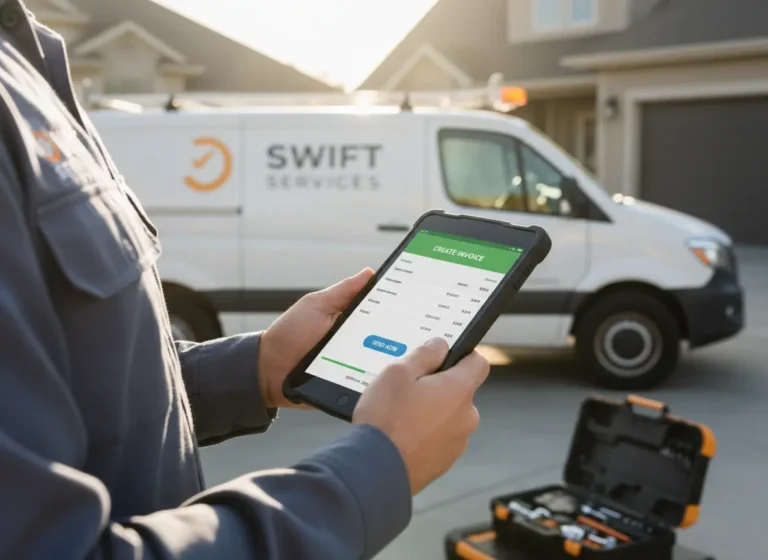
Many contractors lose valuable time because invoicing happens after the job instead of being part of the workflow. A disconnected billing process creates delays between completing work and receiving payment.
A better invoicing workflow helps contractors:
- Create invoices immediately after completing jobs
- Use accurate job details and pricing information
- Track outstanding payments
- Follow up with customers consistently
- Improve cash flow visibility
When invoices connect with job records, customer information, and payment tracking, contractors can reduce delays and improve payment collection.
Why Manual Invoices Lead to Late Payments
Manual invoicing rarely includes built-in reminders or tracking. You send it, hope they pay, and then chase them when they don’t. Sound familiar?
This creates real problems:
- You forget to follow up
- The client forgets they owe you
- You’re stuck waiting for money that should’ve already hit your account
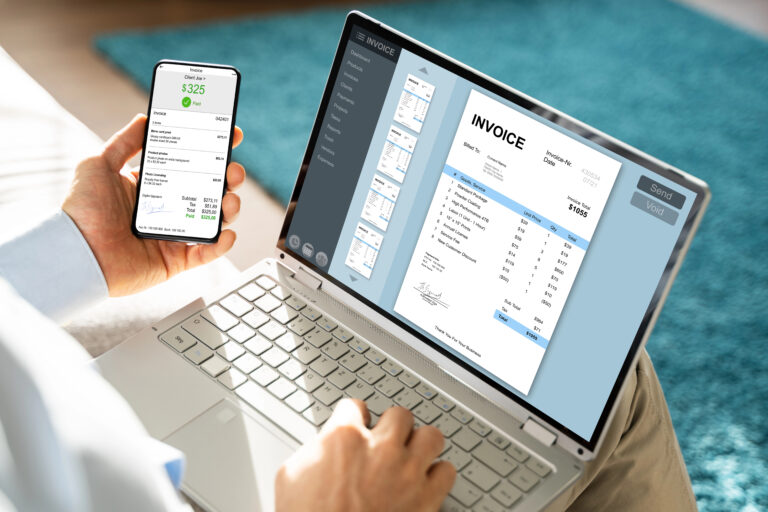
Modern invoicing software automates this entire process sending reminders, tracking who’s paid and who hasn’t, and making it easier for clients to pay on time.
How Poor Invoices Hurt Repeat Business
Sending a messy invoice with inconsistent formatting, missing details, or a confusing breakdown might seem like a small issue but it affects how professional your business looks.
Clients want to know:
- What they’re paying for
- When it’s due
- How to pay easily
Clean, branded invoices build trust. Sloppy or unclear ones can make your business seem disorganized even if the quality of your work is excellent.
Using CRM software helps contractors keep customer details, communication history, and invoice records organized in one place.
Common Manual Invoicing Mistakes
When you’re copying data from job notes into an invoice manually, the risk of mistakes is high:
- Wrong totals
- Missed line items
- Duplicate billing
- Tax miscalculations
These small errors can lead to disputes, lost money, or client frustration. Invoicing software helps prevent these mistakes by calculating totals automatically and letting you store standard rates, taxes, and templates so you don’t have to start from scratch every time.
Why Manual Invoicing Limits Growth
Manual invoicing works when you have a handful of clients and jobs. But if you want to grow, add more projects, manage multiple clients, or scale your team, you need a better system.
Automated invoicing gives you:
- Faster billing
- Real-time insights into income
- Reliable documentation for taxes
- Less stress chasing payments
Scheduling billing activities with Calendar software helps teams track job completion dates and invoice customers at the right time.
And most importantly, it frees you up to focus on what you do best: running the job site, not the back office.
Connecting billing with Work Management software helps contractors link completed tasks, job progress, and invoicing activities together.
How Automated Invoicing Protects Contractor Cash Flow
Automated invoicing protects contractor cash flow by helping invoices go out faster, reducing billing mistakes, and making payment follow-up easier to manage. For small contractors, the speed between job completion and invoice delivery matters. The longer billing waits, the longer the business waits to get paid.
Manual invoicing often creates small delays that add up. A job gets finished, but the invoice waits until the end of the day. Then job notes need to be checked. Then totals need to be copied from another file. Then someone has to remember to send the invoice and follow up later. That process burns time and leaves too much room for errors.
With a better invoicing system, contractors can keep billing closer to the actual work. Job details, customer records, payment status, and follow-up reminders are easier to manage when they are not scattered across emails, spreadsheets, and paper notes.
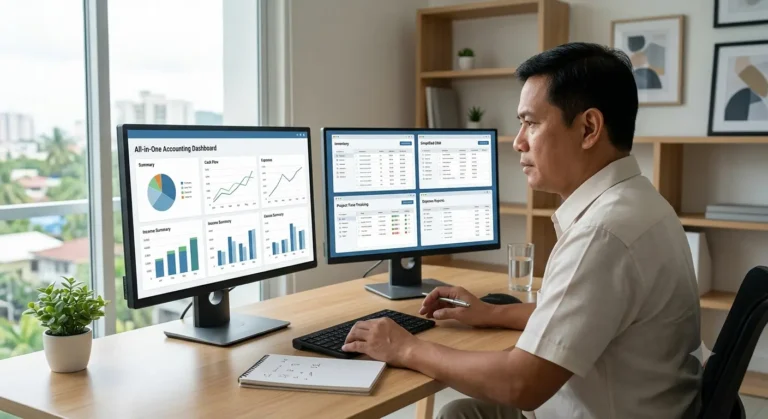
MBP Accounting helps small contractors manage invoices, payment tracking, and financial activity in one connected system. When paired with CRM, Calendar, and Work Management, contractors can connect customers, jobs, schedules, and billing activity more clearly. To ask about setup, visit the Contact page.
Benefits of Automated Invoicing for Contractors
| Manual Invoicing Challenge | Automated Invoicing Benefit |
|---|---|
| Invoices sent late | Faster billing after job completion |
| Forgotten payment follow-ups | Better payment tracking and reminders |
| Manual calculations | Reduced billing mistakes |
| Scattered customer records | Connected customer and job information |
| Limited financial visibility | Clear invoice and payment status |
Get Paid Faster With a Better Invoicing System
Manual invoicing might feel “free,” but it’s quietly costing you time, money, and credibility. MyBusinessPortal.cloud gives small contractors a simple, reliable way to send professional invoices, track payments, and get paid faster, all without the hassle .
If you’re tired of chasing payments and juggling spreadsheets, it’s time to make invoicing one less thing to worry about.
Work smarter. Bill faster. Get paid on time every time with the invoicing software. And when paired with our hr, calendar and CRM, you get the full picture: people, tasks, timelines, invoice and clients all connected in one easy-to-use platform.
Stop Letting Manual Invoicing Slow Down Cash Flow
MBP Accounting helps contractors send invoices, track payments, reduce billing errors, and connect financial activity with real job records.
Explore MBP AccountingFrequently Asked Questions
What are the hidden costs of manual invoicing?
The hidden costs of manual invoicing include delayed payments, billing mistakes, missed follow-ups, and hours of wasted admin work. Contractors often lose money because invoices are sent late, tracked manually, or forgotten entirely. Over time, these small inefficiencies slow cash flow and reduce profitability.
Why does manual invoicing delay cash flow?
Manual invoicing delays cash flow because invoices take longer to create, review, and send. When contractors postpone invoicing after completing jobs, payment collection gets pushed back as well. The longer invoices sit unfinished, the longer businesses wait to get paid.
How do invoicing delays affect small contractors?
Delayed invoices create inconsistent cash flow, making it harder to cover payroll, materials, fuel, and operating expenses. Small contractors often depend on fast payments to keep projects moving smoothly. Slow billing creates unnecessary financial pressure even when work is being completed successfully.
Why do manual invoices lead to late payments?
Manual invoices usually lack automated reminders and payment tracking systems. Contractors often forget to follow up, while clients forget outstanding balances because no reminders are sent automatically. Without structured follow-up systems, payments take longer to collect.
How does invoicing software help contractors get paid faster?
Invoicing software helps contractors get paid faster by reducing billing delays, automating reminders, tracking payment status, and making invoices easier for customers to review.
Why should contractors automate invoicing?
Contractors should automate invoicing because it reduces administrative work, prevents billing mistakes, improves cash flow visibility, and helps invoices get sent faster after completed work.
What features should contractor invoicing software include?
Contractor invoicing software should include invoice creation, payment tracking, customer records, job information, reminders, reporting, and accounting connections.
How does connected accounting improve contractor billing?
Connected accounting improves contractor billing by linking invoices, customers, jobs, payments, and financial records in one system.