If your team finishes a job on-site but waits until later to send the invoice, your billing process is already behind.
For many service businesses, invoicing still happens back at the office. A technician completes the work, writes notes on paper or sends a quick update by text, and someone else has to piece everything together later. That delay creates problems fast. Details get missed. Labor hours become unclear. Materials get forgotten. Clients wait longer. Payments come in slower.
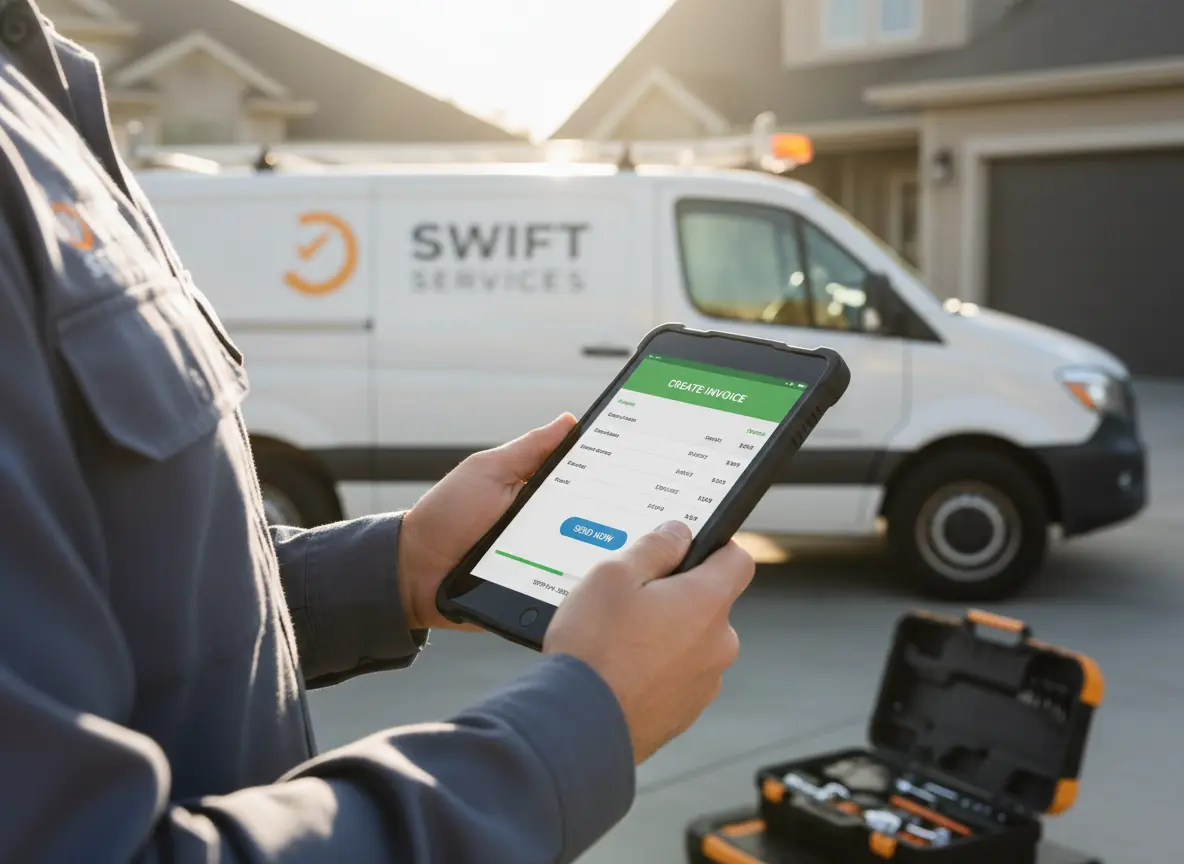
Sending invoices from the field fixes that gap.
Instead of treating invoicing like a separate admin task, smart businesses make it part of the job completion process. When your team can document the work, confirm the details, and send the invoice before leaving the site, you create a faster, cleaner workflow from start to finish.
Quick Answer
How do contractors send invoices from the field?
Contractors can send invoices from the field by capturing job details on-site, confirming labor and materials, pulling customer information from CRM, and generating the invoice through connected accounting software before leaving the job site.
This helps reduce delayed billing, missed charges, admin follow-ups, and slower payments because the invoice is based on real job data while the work is still fresh.
How Businesses Send Invoices Directly From the Field
- Capture Job Details Before Leaving the Site
Record the work completed, materials used, labor time, and any approved changes before the team leaves. - Generate Accurate Invoices Using Real-Time Job Data
Pull customer details, service items, labor, and totals into the invoice using your connected system. - Why Sending Invoices Immediately Improves Cash Flow
Review the details, confirm accuracy, and send the invoice before the day gets busy or details get missed.
Why Field Invoicing Helps Service Businesses Get Paid Faster
The longer it takes to send an invoice, the greater the chance of losing accuracy and momentum.
When invoicing is delayed, teams often run into the same issues. A technician forgets to mention an extra task completed on-site. Material usage is underreported. Job notes are incomplete. The office has to follow up for missing details. The client gets the invoice too late and takes longer to review it.
That delay does more than slow down billing. It affects cash flow, client experience, and internal efficiency.
Field invoicing changes that. It allows your team to close out work while the details are still fresh. The service is done, the scope is clear, and the customer is still engaged. That is the best moment to send an accurate invoice.
Field Invoicing Problems and Software Fixes
| Field Invoicing Problem | Business Impact | Software Fix |
|---|---|---|
| Delayed invoice creation | Payments start later and cash flow slows down | Generate invoices from the job site |
| Missing job details | Labor, materials, or approved changes get left out | Capture job notes, photos, and materials on-site |
| Manual office handoffs | Admin staff waste time chasing technicians | Sync job updates with accounting tools |
| Wrong customer information | Invoices look unprofessional or create confusion | Pull client data from CRM records |
| Labor underbilling | Real job costs are not reflected accurately | Connect HR time tracking with job records |
| Disconnected billing tools | Teams repeat data entry across systems | Use connected CRM, Calendar, Work Management, HR, and Accounting |
What Businesses Need for Successful Field Invoicing
Field invoicing works best when invoicing is connected to the rest of your operation.
You do not need a random invoice app sitting by itself. You need a system that connects customer records, job schedules, employee activity, costs, and completed work. That is what makes invoicing fast without turning it into guesswork.
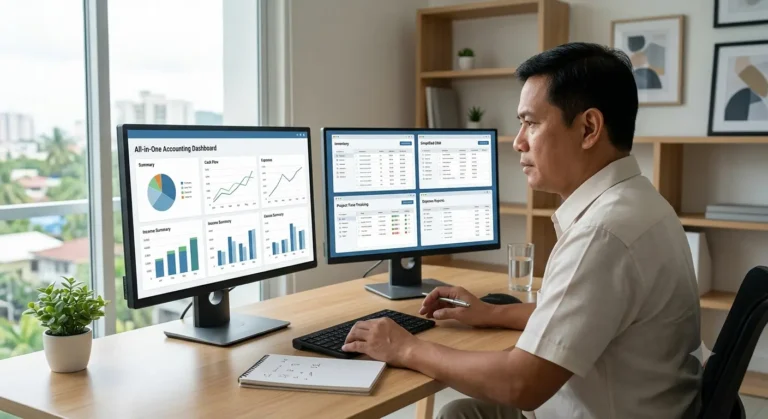
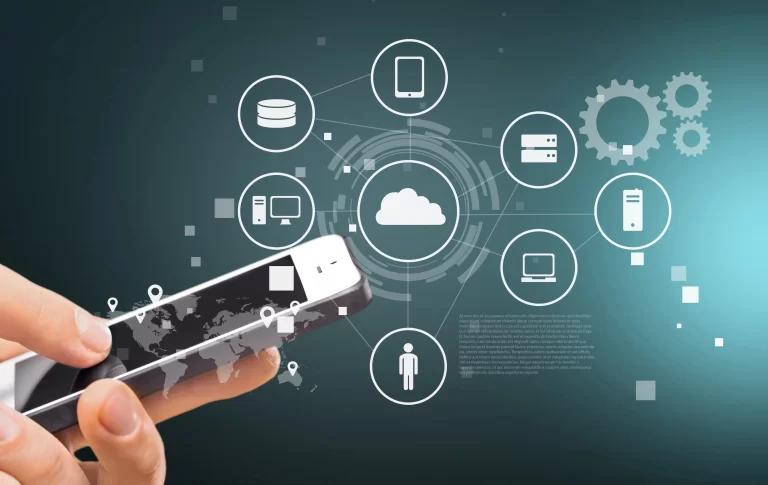
This is where an integrated platform makes a huge difference. When your CRM, calendar, HR, accounting, and work management tools all work together, invoicing becomes a natural step in the workflow instead of a messy handoff between departments.
Field invoicing works best when accounting software connects with work management tools, CRM software, calendar and scheduling tools, and HR management. This helps teams connect job details, customer records, schedules, labor hours, and invoices in one organized system.
How Work Management Improves Invoice Accuracy
The invoice starts with the work itself.
If your team does not have a simple way to log what happened on-site, the billing process becomes unreliable. Work management helps solve that by giving technicians a place to record tasks completed, materials used, service notes, photos, status updates, and any extra work approved during the visit.
This matters because invoices should reflect what actually happened, not what someone remembers hours later.
With connected work management, the office does not need to chase technicians for details. The information is already in the system. That means fewer missed charges, fewer billing disputes, and a much faster path from job completion to invoice delivery.
How CRM Systems Improve Professional Invoicing
Your CRM should do more than store names and phone numbers.
When connected to invoicing, your CRM helps pull in the right customer details automatically. That includes contact information, billing addresses, service history, company records, pricing arrangements, and past job notes. Instead of retyping the same details every time, your team works from one reliable source of truth.
This improves accuracy and saves time, but it also improves the client experience. Clean invoices with the correct contact details, service references, and billing information look more professional and reduce confusion.
For businesses handling repeat clients, the CRM becomes even more valuable. Technicians and office staff can see previous work performed, recurring service needs, and account notes that help keep billing consistent.
How Scheduling Systems Keep Billing Workflows Moving
Your calendar is not only for booking jobs. It should also help drive workflow after the job is complete.
When a technician finishes a visit and updates the appointment status, that update should do more than block out the time slot. It should signal that the work is done and that the invoice is ready to be prepared or sent. This keeps the team aligned and reduces the lag between service delivery and billing.
A connected calendar also helps office staff see what has been completed, what is still in progress, and which jobs are waiting for follow-up. That visibility prevents work from slipping through the cracks.
For growing teams, this is a big deal. Once multiple technicians, multiple jobs, and same-day schedule changes are involved, manual tracking becomes chaos fast. A live calendar helps keep everyone on the same page.
How HR Tools Improve Labor Tracking and Billing Accuracy
Labor is one of the easiest things to underbill when systems are disconnected.
If technicians record time separately from job updates, there is a good chance the final invoice will not match the real labor involved. HR tools help fix that by connecting employee time, attendance, workload, and job activity.
This gives your business a clearer view of labor hours tied to each job. You can track regular hours, overtime, break periods, and staff assignment history more accurately. That matters for pricing, profitability, payroll, and billing integrity.
It also helps protect the business internally. Managers get better oversight into who handled the job, how long it took, and whether staffing matched the work performed. That leads to better cost control and fewer manual corrections later.
How Accounting Software Supports Real-Time Field Invoicing
Once job details, customer data, schedule status, and labor information are already connected, the invoicing step becomes much easier.
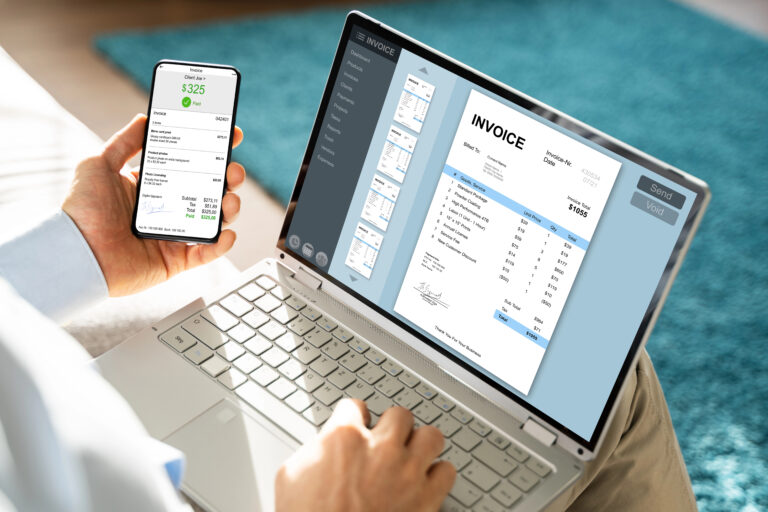
Your accounting tools should be able to pull the right data into the invoice automatically. That includes service items, labor charges, materials, taxes, totals, and payment terms. Instead of building invoices from scratch, your team reviews the details, confirms accuracy, and sends the invoice right away.
This makes the billing process faster, but more importantly, it makes it more dependable.
The invoice goes out while the work is still top of mind for the customer. Questions get answered faster. Approval happens sooner. Payment collection starts earlier.
For some businesses, field invoicing also opens the door to taking payment on-site or sending a payment link immediately after the job is completed. That shortens the time between finishing the work and getting paid.
Problems Service Businesses Face Without Real-Time Invoicing
When field invoicing is not part of the workflow, the same problems keep showing up.
Why Delayed Billing Hurts Cash Flow
Jobs get completed but sit unbilled until the end of the day or the end of the week. That slows down the entire revenue cycle.
How Missing Job Information Creates Billing Problems
Office staff often have to collect updates from technicians after the fact. By then, important information may already be lost.
Why Manual Invoice Processing Wastes Administrative Time
Someone has to fill in the gaps, confirm the scope, and rebuild the invoice manually. That wastes time.
How Delayed Invoices Lead to Slower Payments
Clients receive delayed invoices and take longer to review and pay them.
Over time, this creates real operational drag. Your team spends more time fixing billing mistakes. Your cash flow becomes less predictable. Your admin workload grows. Your customer experience suffers because simple tasks take too long to complete.
How Field Invoicing Improves Cash Flow and Operational Efficiency
Sending invoices from the field speeds up more than billing.
It improves internal coordination because everyone sees the same job status. It reduces manual follow-up because the work has already been documented. It improves customer communication because the invoice arrives while the visit is still recent. It also helps the business collect payments sooner, which is one of the fastest ways to improve cash flow without increasing sales.
This is especially important for service businesses operating on tight margins. When revenue is delayed, everything else feels tighter too. Payroll, purchasing, scheduling, and growth decisions all become harder when money is slow to come in.
Field invoicing helps reduce that pressure by tightening the gap between completed work and collected revenue.
Why Integrated Business Systems Improve Field Invoicing
A lot of businesses try to solve invoicing delays by adding one more tool.
That usually creates another layer of friction.
If your team has one system for customer records, another for scheduling, another for time tracking, another for job notes, and another for invoicing, someone still has to connect the dots manually. That is where delays and mistakes creep in.
An integrated system works better because every part of the workflow supports the next one.
CRM Keeps Customer Billing Information Organized
Keeps customer data organized and ready for billing.
Calendar Tools Keep Job Status and Billing Aligned
Shows live job schedules and completion status.
HR Systems Improve Labor Visibility and Payroll Accuracy
Tracks employee time and labor activity tied to the job.
Work Management Connects Field Activity to Billing
Captures the real details of the work performed in the field.
Accounting Tools Turn Completed Work Into Faster Invoices
Turns completed work into an accurate invoice without duplicate entry.
That is the real advantage. Less duplication. Better visibility. Faster billing.
How MBP Simplifies Field Invoicing for Service Businesses
MyBusinessPortal.cloud helps businesses manage the full flow of work, not only the invoice at the end.
With CRM, you keep customer records organized and accessible.
With calendar tools, you can track job schedules, updates, and completion status in real time.
With HR features, you gain better visibility into employee time and job-related labor activity.
With work management, your team can document tasks, job progress, and field updates as they happen.
With accounting, you can turn completed work into accurate invoices faster and keep billing tied to real operational data.
That connected workflow helps reduce delays, cut admin work, and make invoicing from the field much more practical for service teams.
Send Accurate Invoices Before Leaving the Job Site
Stop waiting until the office catches up. MBP helps contractors connect job details, customer records, schedules, labor tracking, and accounting so invoices can be created faster from real field data.
Make Field Invoicing Part of Your Daily Workflow
If your invoicing process starts after the technician leaves the site, you are creating unnecessary delay.
The faster way is to make invoicing part of the field workflow itself. Capture the work as it happens. Keep customers and schedule data connected. Track labor accurately. Generate the invoice using real job information. Send it before the day gets messy.
That is how you create a smoother operation and get paid faster.
For service businesses that want better control over billing, scheduling, team coordination, and job tracking, field invoicing is not a nice extra. It is a smarter way to run the business.
Field Invoicing FAQs
How do businesses send invoices directly from the field?
Businesses send invoices from the field by using connected accounting and work management systems that allow technicians to record labor, materials, and job details on-site. Once the work is completed, the invoice can be generated and sent immediately using real-time job data. This reduces delays and improves billing accuracy.
Why is delayed invoicing a problem for service businesses?
Delayed invoicing increases the risk of forgotten labor hours, missing materials, incomplete job notes, and slower payments. The longer the billing process waits, the more likely important details become inaccurate or lost. This creates operational delays and weakens cash flow.
How does field invoicing improve cash flow?
Field invoicing helps businesses get paid faster because invoices are sent immediately after the work is completed. Customers receive billing information while the service is still fresh in their minds, which speeds up approvals and payments. Faster billing creates a healthier and more predictable cash flow cycle.
Why do integrated systems make field invoicing easier?
Integrated systems connect CRM, scheduling, HR, work management, and accounting tools into one workflow. This allows customer details, labor hours, materials, and completed tasks to flow automatically into invoices without duplicate entry. The process becomes faster, cleaner, and more reliable.
How can contractors send invoices from the field?
Contractors can send invoices from the field by using connected accounting software that pulls job details, customer records, labor time, materials, and approved work into an invoice before the technician leaves the job site.
Why does field invoicing help contractors get paid faster?
Field invoicing helps contractors get paid faster because the invoice is created and sent while the work is still fresh, the customer is still engaged, and billing details are easier to confirm.
What information should be included in a field invoice?
A field invoice should include customer details, job description, labor time, materials used, approved changes, taxes, payment terms, total amount due, and payment instructions.
How does work management software support field invoicing?
Work management software supports field invoicing by capturing tasks completed, service notes, photos, job status, materials, and technician updates in real time.
Why is connected accounting software better than a standalone invoice app?
Connected accounting software is better because it can pull information from CRM, scheduling, HR, and work management tools instead of forcing teams to re-enter job details manually.
Ready to simplify billing?
Send Invoices Faster Without Chasing Job Details
MyBusinessPortal.cloud helps you connect customer records, job updates, labor tracking, and billing in one place so your team can send accurate invoices faster.
Schedule a Free Demo