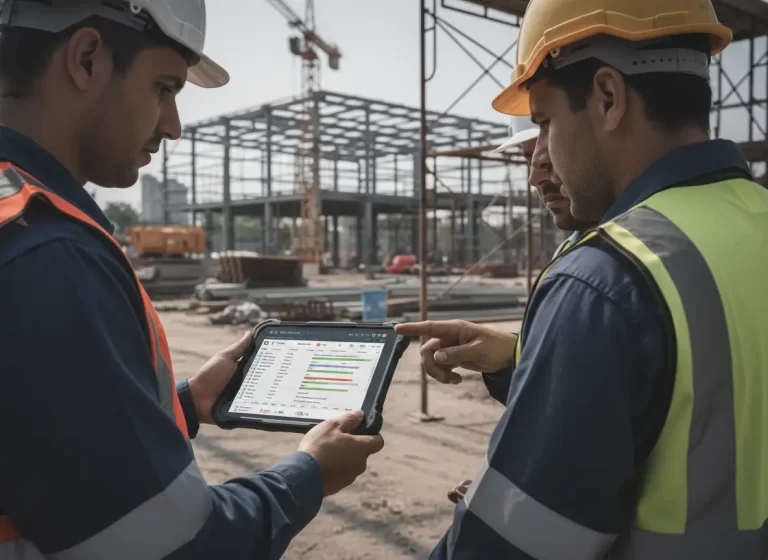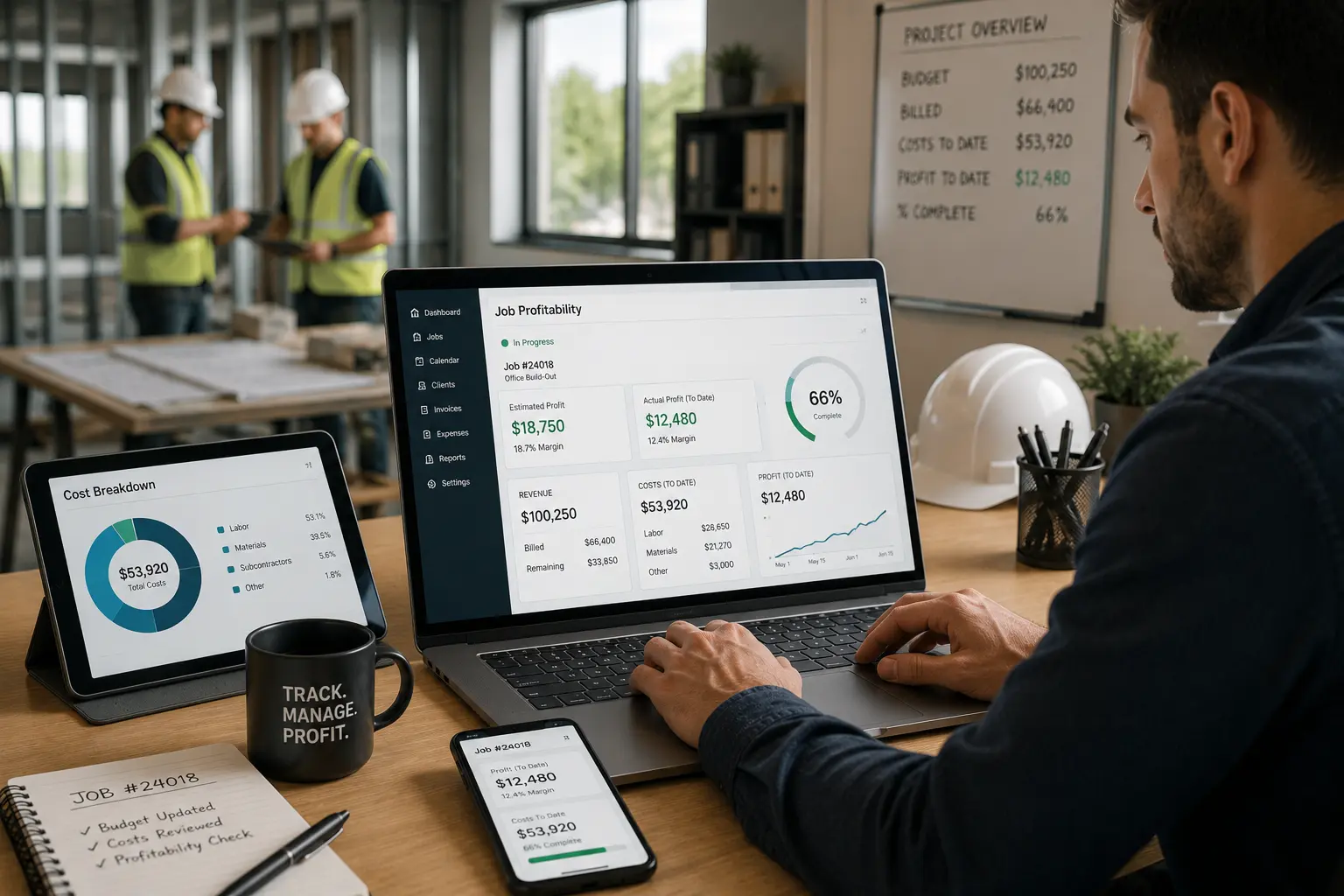
Many contractors do not know whether a project is profitable until the job is already complete. By then, it may be too late to fix labor overruns, material waste, missed change orders, or incorrect estimates.
Tracking job profitability before a project is finished helps contractors make better decisions while there is still time to protect the margin. Instead of waiting for the final invoice, contractors can compare estimated costs against actual costs, committed costs, labor hours, materials, change orders, and work-in-progress reports throughout the project.
For growing contracting businesses, in-progress profitability tracking is not just an accounting task. It connects estimating, scheduling, CRM, inventory, work management, field reporting, and job costing into one clear financial view.
Quick Answer
Contractors can track job profitability before a project is finished by assigning cost codes, logging hours and expenses daily, capturing committed costs, controlling change orders, and reviewing WIP reports. These steps help contractors spot margin problems early, prevent cost overruns, improve billing accuracy, and make better project decisions before the final invoice is sent.
Why In-Progress Job Profitability Matters for Contractors
A project can look busy and still lose money. Crews may be working, materials may be moving, and invoices may be going out, but the job may not be profitable if costs are not tracked in real time.
In-progress profitability tracking helps contractors see:
- Whether labor is going over budget
- Whether material costs are rising
- Whether subcontractor costs are already committed
- Whether change orders are approved
- Whether billing is keeping up with completed work
- Whether the project margin is shrinking
- Whether the estimate was accurate
- Whether the schedule is affecting job costs
Without this visibility, contractors may only discover the problem after the project is closed. That is basically finding out the boat has a hole after it already sank. Not ideal.
Key Steps to Track Job Profitability During a Project
The best way to track job profitability during a project is to build a system that connects field activity with office financial data.
The key steps include:
- Assign cost codes
- Log hours and expenses daily
- Capture committed costs
- Control change orders
- Review WIP reports
Each step helps contractors compare what was planned against what is actually happening on the job.
Assign Cost Codes to Track Project Expenses Clearly
Cost codes organize project expenses into clear categories. Instead of looking at one large job total, contractors can break costs into specific parts of the project.
Common cost codes may include:
- Labor
- Materials
- Equipment
- Subcontractors
- Permits
- Travel
- Disposal
- Rentals
- Change orders
- Overhead allocation
Cost codes help contractors see exactly where money is being spent. For example, a project may still look profitable overall, but the labor cost code may show that crew hours are already above budget.
This level of detail makes it easier to catch problems early. If material costs are fine but labor is running high, the project manager can adjust staffing, scheduling, or workflow before the margin gets worse.
Log Labor Hours and Expenses Daily
Logging hours and expenses daily is one of the simplest ways to prevent profitability surprises. When field data is entered late, job costing becomes inaccurate.
Daily tracking should include:
- Crew hours
- Overtime
- Equipment usage
- Material purchases
- Delivery fees
- Fuel or travel expenses
- Rental costs
- Subcontractor work
- Notes about delays
- Extra work performed
Daily updates help the office compare real-time labor and expense data against the estimate. This also helps accounting, payroll, work management, and project reporting stay aligned.
If hours are logged only at the end of the week, the business may miss early warning signs. One bad day can be fixed. Five untracked bad days can eat the margin alive.
Capture Committed Costs Before They Hit Accounting
Committed costs are expenses that have been approved or ordered but not yet fully paid. These costs matter because they are already tied to the project, even if they have not appeared in the accounting system yet.
Committed costs may include:
- Purchase orders
- Subcontractor agreements
- Material orders
- Equipment rentals
- Vendor invoices not yet received
- Approved supplier quotes
- Scheduled deliveries
- Special-order inventory
If committed costs are not tracked, a job may look more profitable than it really is. The current cost report may show a healthy margin, but pending supplier bills or subcontractor invoices may later wipe it out.
Capturing committed costs gives contractors a more accurate picture of projected profitability before the project is finished.
Control Change Orders to Protect Project Profit Margins
Change orders can protect profitability, but only if they are documented, approved, and billed correctly. Untracked change orders are one of the fastest ways contractors lose money.
A strong change order process should include:
- Description of the added work
- Reason for the change
- Labor impact
- Material impact
- Schedule impact
- Customer approval
- Updated project budget
- Updated invoice amount
- Field documentation
- Photos or notes if needed
Contractors should avoid doing extra work based only on verbal approval. If the customer later disputes the cost, the contractor may be stuck absorbing the expense.
Change orders should connect with the CRM, calendar, work management system, inventory, and accounting tools so the office and field teams stay aligned.
Review WIP Reports to Track Profitability Before Completion
WIP reports, or work-in-progress reports, show how a project is performing financially before it is complete. These reports help contractors compare estimated costs, actual costs, committed costs, billed amounts, and projected profit.
A useful WIP report may show:
- Contract value
- Original estimate
- Approved change orders
- Cost-to-date
- Committed costs
- Percent complete
- Amount billed
- Amount earned
- Overbilling or underbilling
- Estimated cost to complete
- Projected gross profit
- Current margin
WIP reports help contractors answer the big question: “Are we still making money on this job?”
If the report shows margin compression, underbilling, or rising costs, the contractor can act before the project ends.
Common Profitability Problems Contractors Miss
Contractors often lose margin because small issues build up quietly. These problems may include:
- Labor hours not entered daily
- Materials taken from inventory but not assigned to the job
- Change orders completed but not billed
- Subcontractor costs not captured early
- Equipment rentals running longer than expected
- Crews waiting because of scheduling gaps
- Rework not separated from original scope
- Customer changes not documented
- Accounting data updated too late
- No WIP review before final billing
The fix is not just better bookkeeping. Contractors need a connected process from estimate to field work to invoice.
How Contractor Software Helps Track Job Profitability
Contractor management software can make in-progress profitability easier by connecting job data across different parts of the business.
Helpful features may include:
- Job costing
- Cost codes
- Time tracking
- Expense logging
- Inventory tracking
- Purchase orders
- Change order management
- WIP reports
- CRM records
- Calendar scheduling
- Work management dashboards
- Accounting integration
- Mobile field updates
When these tools work together, contractors get a clearer view of job profitability while the project is still active.
Best Practices for Better Job Profit Tracking
To improve in-progress profitability tracking, contractors should:
- Set cost codes before work begins
- Require daily time and expense updates
- Track committed costs as soon as they are approved
- Document every change order
- Review WIP reports weekly
- Compare actual costs against the estimate
- Connect inventory usage to each job
- Keep accounting and field teams aligned
- Use one centralized work management system
- Review job margins before final billing
The goal is to catch issues early, not perform a financial autopsy after the project is done.
Final Thoughts: Track Profitability Before the Project Is Finished
Contractors can track job profitability before a project is finished by using cost codes, daily labor and expense tracking, committed cost visibility, controlled change orders, and regular WIP reporting.
When contractors connect job costing with CRM, HR, inventory, calendar, work management, and accounting systems, they can see profit risks earlier and make better decisions before the job closes.
In-progress profitability tracking helps protect margins, reduce billing mistakes, improve project control, and give contractors a clearer view of which jobs are actually making money.