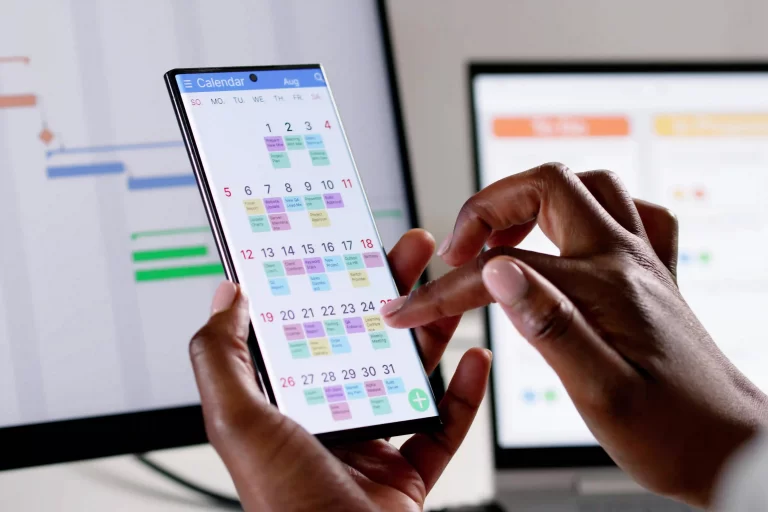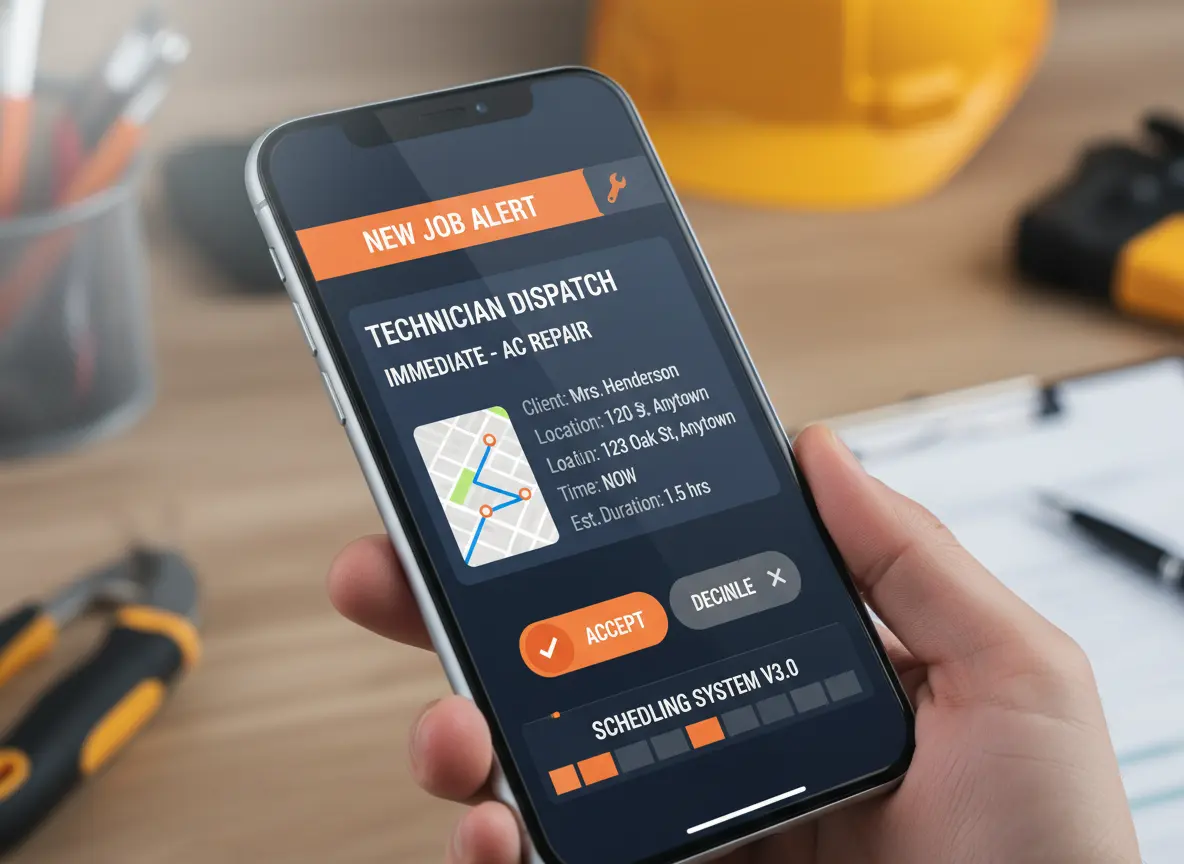
Missed jobs happen and they’re more than just an inconvenience.
Whether it’s a forgotten appointment, a last-minute reschedule, or a job that simply slipped through the cracks, every missed job means lost time, lost revenue, and often, a lost client. For small contractors and field teams, the margin for error is thin. You can’t afford to let jobs fall through.
The good news? There’s a simple solution that doesn’t require more meetings, more paperwork, or more micromanaging: real-time scheduling alerts.
Quick Answer
How do real-time scheduling alerts help avoid missed jobs?
Real-time scheduling alerts help contractors avoid missed jobs by notifying office staff and field crews when appointments are assigned, changed, rescheduled, delayed, or approaching. This reduces reliance on memory, calls, and scattered text messages while helping everyone work from the same current schedule.
Let’s break down why missed jobs happen and how to stop them for good.
Real-Time Scheduling Alerts vs Manual Reminders
| Scheduling Area | Manual Reminders | Real-Time Scheduling Alerts |
|---|---|---|
| Upcoming jobs | Staff must remember to check the schedule. | Alerts notify the team before the job starts. |
| Crew assignments | Updates are shared through calls, texts, or whiteboards. | Assigned crews receive clearer job updates. |
| Schedule changes | Changes may be missed or seen too late. | Alerts help teams react faster to updates. |
| Late crews | The office may not know until the customer complains. | Alerts can flag delays before they grow. |
| Job conflicts | Double bookings may not be caught early. | Conflicts are easier to spot before dispatch. |
| Customer updates | Staff may forget to confirm timing or changes. | Alerts help trigger follow-ups and confirmations. |
| Missed jobs | Jobs fall through because no one catches the gap. | The system helps keep scheduled work visible. |
Real-Time Scheduling Alert Checklist for Contractors
A reliable scheduling system should help contractors prevent missed jobs by keeping every important update visible.
| Scheduling Need | Alert Solution |
|---|---|
| New job assignments | Instant crew notifications when jobs are assigned |
| Schedule changes | Automatic updates when appointments move |
| Upcoming appointments | Reminders before jobs begin |
| Crew availability | Better visibility before assigning work |
| Customer confirmations | Reminder alerts to reduce no-shows |
How Missed Jobs Cost Time, Revenue, and Trust
One no-show can cost more than just a single invoice:
- You lose the client’s trust
- You miss out on referrals
- Your team ends up scrambling to rebook
- You waste fuel, time, and resources for nothing
And if it keeps happening, it starts to damage your brand. Repeated missed appointments can damage customer trust and may make clients less likely to book future work or recommend the business.
How Scheduling Alerts Improve Contractor Workflows
Missed jobs usually happen when information moves between office staff, dispatchers, technicians, and customers without a clear system.
A real-time scheduling workflow helps contractors by:
- Receiving new job requests.
- Assigning available technicians.
- Sending schedule updates instantly.
- Tracking customer confirmations.
- Updating completed work status.
When every team member sees the same schedule, fewer jobs are forgotten and daily operations become easier to manage.
How Real-Time Scheduling Alerts Keep Teams Aligned
Real-time scheduling alerts help teams stay ahead of schedule problems instead of reacting after something goes wrong. They give office staff, managers, and field crews better visibility into what needs attention now.
| Alert Type | How It Helps |
|---|---|
| Upcoming job alert | Reminds crews and staff before the job starts. |
| Schedule change alert | Helps teams adjust when appointments move. |
| Crew assignment alert | Shows who is responsible for the job. |
| Delay alert | Helps the office respond before customers are left waiting. |
| Conflict alert | Makes double booking easier to catch early. |
| Customer confirmation alert | Helps prevent no-shows or missed communication. |
| Job completion alert | Helps the team move finished work toward follow-up or billing. |
How Real-Time Alerts Help Teams Handle Schedule Changes
Schedules change, that’s just part of the job. What matters is how quickly and clearly you respond when they do.
With real-time alerts, you can:
- Reassign jobs on the fly
- Notify your team instantly when something changes
- Keep clients informed (without needing to call them one by one)
- Make adjustments without disrupting your whole day
It gives you flexibility and structure the sweet spot for busy field teams.
Important Features in Real-Time Scheduling Software
| Feature | How It Helps Contractors |
|---|---|
| Real-Time Notifications | Keeps teams updated when schedules change |
| Mobile Access | Allows technicians to view jobs from the field |
| Calendar Sync | Keeps appointments and availability organized |
| Customer Reminders | Reduces missed appointments and no-shows |
| Crew Assignment Tracking | Shows who is responsible for each job |
Prevent Missed Jobs
Keep Schedule Changes Visible to Your Whole Team
MBP Calendar helps contractors organize appointments, crew assignments, schedule changes, reminders, and job information so office and field teams can work from one shared schedule.
Explore MBP Calendar Schedule a DemoPrevent Missed Jobs With Smarter Scheduling Tools
If you’re still relying on manual updates, paper schedules, or scattered text messages, missed jobs will continue to cost you. It’s not about working harder, it’s about working smarter.
MyBusinessPortal.cloud gives you real-time scheduling tools, task management, and mobile alerts so your team stays informed, your jobs stay on track, and your business runs like clockwork. It’s more than just scheduling, it’s complete business management software built for contractors, field teams, and small service businesses.
Stay on time. Stay organized. And never miss a job again with MyBusinessPortal.cloud.
A stronger scheduling alert workflow works best when schedules connect with job updates, customer records, and completed work. MBP helps contractors connect team scheduling with work management, CRM, and accounting so crews, office staff, and customer updates stay aligned from appointment to invoice.
Contractors can also improve customer communication by connecting scheduling with CRM software to manage customer history and appointment details.
Frequently Asked Questions
How do real-time scheduling alerts prevent missed jobs?
Real-time scheduling alerts instantly notify team members when jobs are assigned, updated, rescheduled, or approaching their start time. This keeps everyone working from the same schedule and reduces communication gaps. Instead of relying on memory, texts, or phone calls, the system automatically keeps the entire team informed. This greatly reduces the chances of jobs being forgotten or overlooked.
Why do service businesses miss scheduled jobs?
Missed jobs often happen because schedule changes are not communicated properly. Technicians may not receive updates, appointments may be tracked in spreadsheets, or team members may rely on manual reminders. As businesses grow, these communication gaps become more common. A centralized scheduling system helps eliminate these issues.
What are the benefits of real-time scheduling alerts?
Real-time alerts improve team coordination, reduce missed appointments, and help businesses respond quickly to schedule changes. They also provide automatic reminders for technicians and customers, helping everyone stay informed. This leads to better time management, improved customer service, and fewer scheduling mistakes.
Can real-time scheduling alerts help with last-minute schedule changes?
Yes. Real-time alerts allow managers to instantly notify technicians when jobs are rescheduled, reassigned, or updated. Team members receive changes immediately on their mobile devices, reducing confusion and delays. This flexibility helps field teams adapt quickly without disrupting the entire day’s schedule.
Do scheduling alerts improve customer satisfaction?
Yes. Automated appointment reminders and schedule updates help keep customers informed about upcoming visits and changes. This reduces missed appointments, improves communication, and builds trust. Customers appreciate knowing exactly when technicians are arriving and receiving updates if schedules change.
When should contractors use real-time scheduling software?
Contractors should use real-time scheduling software when jobs are missed, crews arrive late, schedule updates get lost, or managers spend too much time confirming assignments manually. Real-time scheduling software helps teams track job changes, crew assignments, customer updates, and appointment reminders in one shared system.
What scheduling alerts should contractors use?
Contractors should use appointment reminders, crew assignment alerts, schedule change notifications, delay alerts, customer confirmation reminders, and job completion updates.
How does scheduling software reduce missed appointments?
Scheduling software reduces missed appointments by keeping job details, assignments, reminders, and updates in one shared system instead of relying on memory or manual communication.
Can scheduling alerts improve technician productivity?
Yes. Scheduling alerts help technicians know where to go, what work is required, and when changes happen, reducing downtime and unnecessary communication