Missed deadlines, unclear responsibilities, and jobs falling behind are rarely a motivation issue. Most of the time, they are a visibility problem. When work assignments live in texts, calls, or memory, accountability breaks down fast.
Work management software creates structure where small crews need it most. It clearly defines who is responsible for each task, tracks progress in real time, and keeps job details in one place. Instead of chasing updates or guessing what’s done, you get instant clarity across your entire crew. This article explains how work management tools improve accountability, reduce confusion, and help teams deliver work on time, every time.
Quick Answer
How does job management software improve team accountability?
Job management software improves team accountability by showing who is responsible for each task, what needs to be completed, when work is due, and how each job is progressing.
For contractors, work management tools create better visibility across crews by centralizing assignments, updates, job details, deadlines, and communication in one system.
Let’s take a closer look at how modern work management tools improve accountability across your team and why it matters for your business.
Accountability Problems and Job Management Software Fixes
Team accountability often breaks down when work details are scattered across calls, texts, emails, and memory. Job management software helps solve this by creating one shared place for assignments, updates, deadlines, and job progress.
| Accountability Problem | Software Fix | Result for the Team |
|---|---|---|
| Tasks are assigned verbally | Assign tasks inside the job record | Everyone knows who owns each task |
| Crews forget job details | Attach notes, files, and instructions to each job | Workers have the right information before starting |
| Managers chase updates | Use real-time progress tracking | Managers can see job status without constant calls |
| Deadlines slip unnoticed | Set due dates and task priorities | Delayed work is easier to spot early |
| Communication gets lost | Keep job-related messages in one system | Teams have a clearer record of updates and decisions |
Work Management Software vs Manual Job Tracking
| Manual Job Tracking | Work Management Software |
|---|---|
| Assignments shared through calls or messages | Tasks assigned to specific team members |
| Updates depend on employee communication | Real-time progress visibility |
| Job details stored in different locations | Centralized job information |
| Managers chase status updates | Managers see progress instantly |
| Problems discovered after delays happen | Issues identified earlier |
Work Management Software Ensures Everyone Knows What’s Assigned (and When)
When jobs are assigned over group chat or phone calls, things get missed. Maybe someone forgets a detail, hears the wrong time, or assumes someone else is handling it.
Work management software removes the guesswork.
You can assign specific tasks to individual crew members, include due dates, and attach job details, all in one place. Everyone sees exactly what they’re responsible for and when it’s due.
This clarity alone can reduce job-site confusion, duplicate work, and finger-pointing.
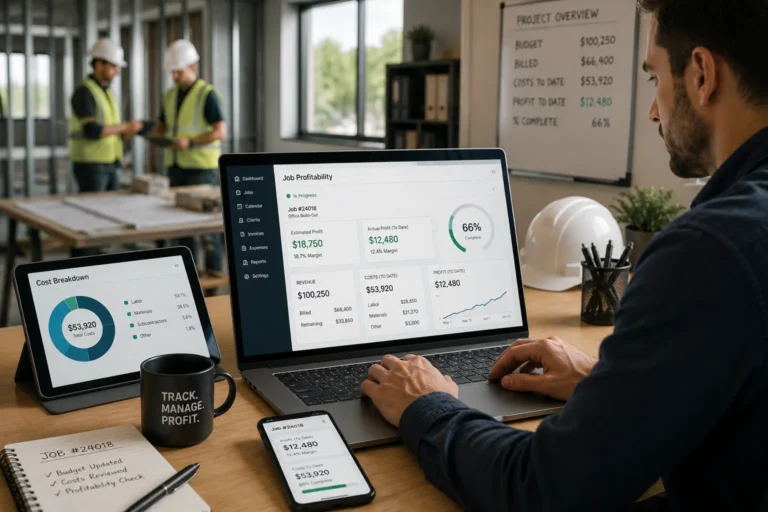
Track Progress in Real Time with a Work Management System
Without visibility, you don’t know what’s done, what’s in progress, or what’s falling behind until it’s too late.
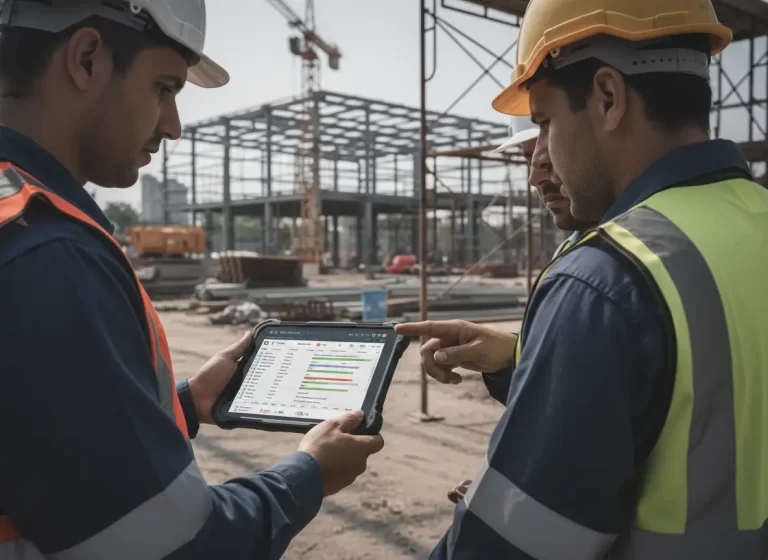
With work management tools, progress is tracked in real time. Your team can check off completed tasks, leave updates, and notify others when blockers arise.
That means fewer delays, faster decisions, and more accountability when something slips through the cracks.
Transparent Communication Through a Centralized Work Tracking System
When teams operate through scattered messages, updates get lost and people can always say, “I didn’t see that.”
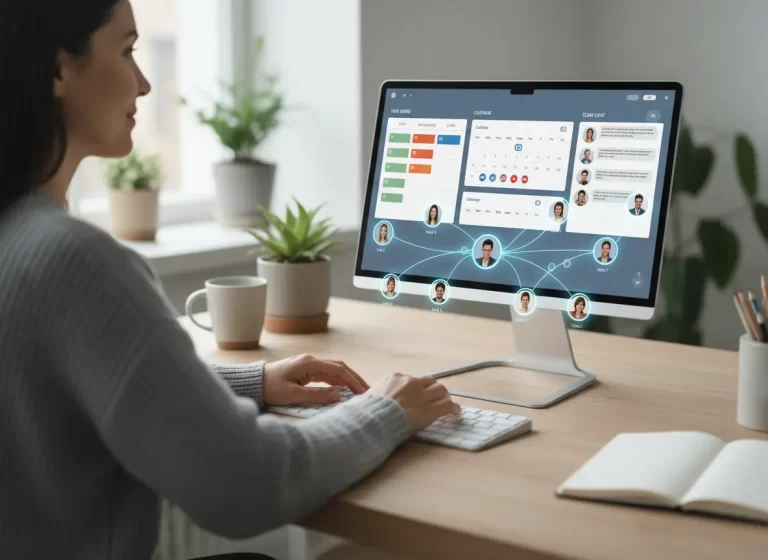
Work management software keeps all job-related conversations, notes, and changes centralized and easy to reference. There’s a digital paper trail of who said what, when.
This not only prevents miscommunication, it also encourages more proactive updates and team-wide clarity.
Use a Task Management Tool to Maximize Time and Talent
When tasks are clearly assigned and progress is tracked, it’s easier to identify bottlenecks, overloaded workers, or unproductive routines.
Maybe one crew member is constantly behind because they’re handling too much. Or maybe another is free, but no one realized it.
Work management tools help you allocate work more fairly, avoid burnout, and boost your overall efficiency.
Use Job Management Software to Turn Historical Data into Better Decisions
A digital record of completed jobs, issues, and delays helps you see patterns.
- Who consistently delivers on time?
- Which types of jobs always get delayed?
- Where does communication break down most?
Over time, this data helps you refine processes, reward reliable crew members, and eliminate recurring issues.
How Visibility Improves Team Performance
Visibility improves team performance by helping everyone understand what is happening across active jobs. When crews can see assigned tasks, due dates, job notes, and progress updates, they spend less time asking for instructions and more time completing work.
For managers, better visibility makes it easier to spot delays, overloaded workers, missing updates, and recurring bottlenecks. Instead of waiting until a deadline is missed, managers can respond earlier and adjust the schedule, reassign work, or follow up with the right person.
Clear visibility also improves accountability without turning management into micromanagement. When the system shows who owns each task and what still needs attention, accountability becomes part of the workflow. The team is not guessing, and managers are not forced to chase every update manually.
Improve Crew Accountability With MBP Work Management
MBP Work Management helps contractors assign responsibilities, track job progress, organize updates, and keep office and field teams connected.
Give your team better visibility without adding more meetings or manual follow-ups. Manage tasks, schedules, customer details, and daily operations from one connected platform.
Explore Work ManagementFinal Take
Accountability doesn’t happen by accident. It’s built into the systems you use or it’s not there at all.
Work management software gives your team a shared playbook: who’s doing what, by when, and how. No more excuses, no more guessing, no more dropped balls.
At MyBusinessPortal.cloud, our work management tools are made for busy contractors who want less chaos and more control. And when paired with your HR, CRM and calendar tools, you’ve got a full system for staying on schedule, on task, and on top of your business.
Job Management and Team Accountability FAQs
How does job management software improve team accountability?
Job management software improves team accountability by showing who is responsible for each task, what needs to be done, when it is due, and how the job is progressing. This gives managers and crews a clearer way to track ownership, updates, and completed work.
Why does team accountability break down on jobs?
Team accountability often breaks down when job details are scattered across calls, texts, emails, and memory. Without clear task ownership, crews may miss updates, managers may not see delays early, and important work can fall through the cracks.
How does job visibility improve crew performance?
Job visibility improves crew performance by helping teams see assignments, deadlines, updates, job notes, and progress in one place. This reduces confusion, helps workers understand priorities, and allows managers to respond to problems before they become larger delays.
What should contractors track in job management software?
Contractors should track job status, task ownership, deadlines, crew assignments, job notes, customer updates, files, photos, delays, completed work, and follow-up tasks. Tracking these details helps office and field teams stay aligned.
Can job management software reduce micromanagement?
Yes. Job management software can reduce micromanagement by making task ownership and job progress visible to the whole team. Managers do not need to chase every update manually because the system shows what is assigned, what is complete, and what still needs attention.
What features should contractors look for in job management software?
Contractors should look for task assignment, job tracking, crew scheduling, progress updates, file sharing, customer information, communication tools, and reporting features that improve visibility across daily operations.
How does work management software help field teams?
Work management software helps field teams access job details, assigned tasks, updates, deadlines, and instructions from one place. This reduces confusion and helps crews complete work more efficiently.
Can work management software improve job completion times?
Yes. Work management software improves job completion times by reducing communication delays, clarifying responsibilities, identifying blockers earlier, and helping managers coordinate resources effectively.