If you’re managing a team and still using Google Calendar to assign jobs, you’re not alone. It’s free, familiar, and easy to use. But is it actually the best option for service-based businesses?
When your schedule includes crew dispatch, job updates, and shifting appointments, Google Calendar might be holding you back more than you think.
Let’s compare Google Calendar to specialized scheduling software, and see which one really helps your team work smarter.
Is Scheduling Software Better Than Google Calendar for Teams?
Yes, for most service teams.
Google Calendar works for basic events and reminders.
Scheduling software manages job assignments, team availability, and real-time updates.
If your business coordinates multiple workers, job sites, or service calls, specialized scheduling software provides better control and visibility.
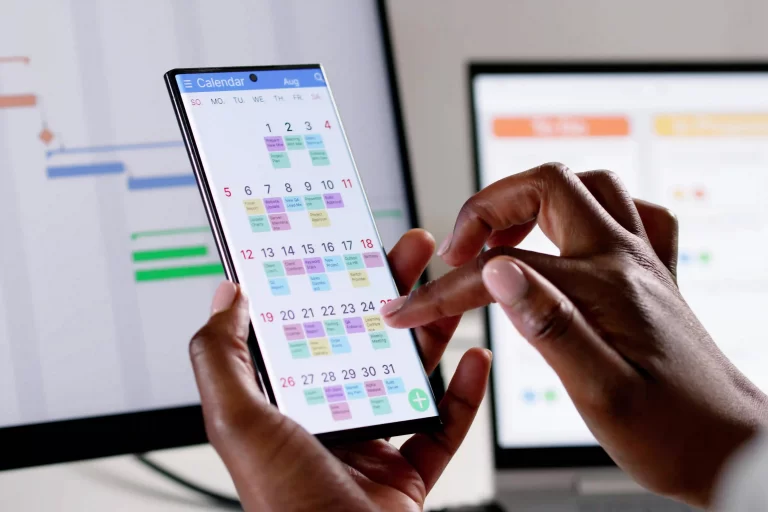
What Google Calendar Does Well
To be fair, Google Calendar has its strengths:
- It’s accessible on almost any device
- You can set events and reminders quickly
- It’s free and integrates with other Google tools
For individual use or small teams who need a simple date tracker, it’s perfectly fine.
But once you start managing multiple workers, job sites, or service calls, Google Calendar begins to show its limits.
Where Google Calendar Falls Short for Teams
When you’re running a crew, your needs go beyond basic reminders. Google Calendar wasn’t built for tradesmen, contractors, or mobile teams.
Here’s what it can’t do:
- Assign jobs to individual team members
- Send real-time updates when changes happen
- Track job details like location, contact info, or scope of work
- View team availability at a glance
- Offer mobile-friendly, drag-and-drop scheduling with job context
It was built for meetings, not for moving parts on a job site.
What Scheduling Software Does Better
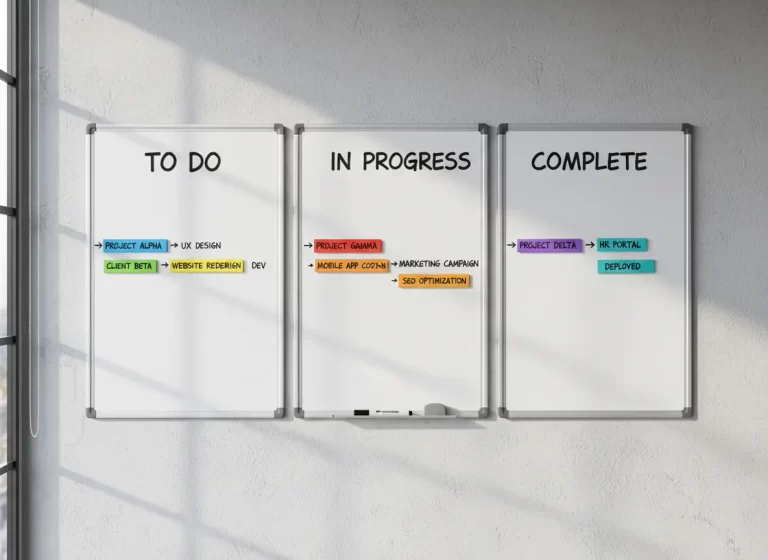
A dedicated scheduling tool for service teams is more than a calendar. It’s a control center that keeps your entire operation running smoothly.
Here’s what you get with a tool like MBP’s scheduler:
- Job assignment by person, crew, or department
- Color-coded job types so you can prioritize easily
- Real-time sync so your team always sees the latest version
- Job notes and site info included with each task
- Automated updates and alerts to reduce no-shows
It’s built for real-world job flow, not just meetings.
Why It Matters
In the trades, every missed appointment or wrong job detail costs time and money.
When you’re managing 5, 10, or even 20 people, you need more than just a calendar app.
You need a smart, visual system that your entire team can rely on whether they’re in the office or on the road.
Final Verdict
Google Calendar works well for simple scheduling and solo use. It’s a familiar tool that does the basics but basics aren’t enough when you’re running a team, juggling multiple job sites, and trying to keep everyone aligned.
If your business depends on field crews, time-sensitive jobs, and consistent communication, it’s time to upgrade. A purpose-built scheduling system gives you full control over job assignments, team availability, and real-time updates all in one place.
At MyBusinessPortal.cloud, our calendar tool is designed specifically for tradesmen and service businesses. It’s simple to use, powerful where it counts, and built to help you stay ahead of every job.