If someone asked you right now:
- Where is the full history of this client?
- Who handled their last job?
- What was quoted versus what was invoiced?
- How many follow-ups were missed?
Would you open one system… or five?
Most small contractors don’t lose clients because of poor workmanship.
They lose them because their data is scattered.
Scattered data leads to missed follow-ups, inconsistent communication, delayed invoices, and weak customer relationships.
Quick Answer: How can contractors get scattered client data under control?
Contractors can get scattered client data under control by moving customer records, notes, quotes, job history, follow-ups, schedules, invoices, and communication into one connected CRM system. When client data lives in one place, teams can respond faster, reduce missed follow-ups, prevent billing mistakes, and give customers a more consistent experience.
Here’s how to fix it.
The Real Problem: Information Is Everywhere
In many service businesses, client data lives in:
- Phone contacts
- Text threads
- Email inboxes
- Paper job sheets
- Spreadsheets
- Accounting software
- A half-used CRM
When information is spread across tools, no one has a complete view.
The office sees invoices.
The technician remembers job details.
The owner remembers pricing conversations.
But no system connects everything.
That disconnect creates operational inefficiency and weakens field team productivity.
Scattered Client Data vs Centralized CRM
| Client Data Area | Scattered System | Centralized CRM |
|---|---|---|
| Contact details | Stored in phones, emails, spreadsheets, or paper notes. | Stored in one customer profile. |
| Customer notes | Buried in texts, inboxes, or someone’s memory. | Attached to the client record for the whole team to see. |
| Quote history | Saved in separate files or individual inboxes. | Connected to the customer and follow-up process. |
| Job history | Split between technicians, office staff, and work orders. | Linked to the customer record and past service history. |
| Follow-ups | Depend on memory or manual reminders. | Tracked with clear next steps and reminders. |
| Scheduling | Managed separately from customer details. | Connected with customer records and job information. |
| Billing details | Pulled from scattered job notes and manual updates. | Easier to connect with completed work and job history. |
When Scattered Client Data Starts Costing You Work
Scattered client data becomes a real business problem when your team cannot answer customer questions quickly or follow up consistently. It may start as a small inconvenience, but over time it creates missed opportunities, billing mistakes, and weaker customer relationships.
| Warning Sign | What It Means |
|---|---|
| Clients repeat the same information | Your team does not have one shared customer history. |
| Follow-ups are missed | Next steps are not tracked clearly. |
| Quotes are hard to find | Sales and job details are scattered across files or inboxes. |
| Technicians lack context | Field teams arrive without full customer or job history. |
| Invoices require manual checking | Billing depends on scattered job notes. |
| Customer updates take too long | Staff have to search multiple tools before responding. |
| Repeat work is inconsistent | Past client needs are not tracked well enough. |
What Scattered Data Actually Costs You
You might think this is just a messy organization. It’s not.
It costs you in real ways.
You Miss Follow-Ups
A client asks for a quote.
It gets sent.
No one tracks whether they responded.
Weeks later, you realize the job went to someone else.
Without a proper CRM tracking pipeline stages, opportunities slip away silently.
You Lose Repeat Business
If client history is incomplete, you cannot:
- Recommend related services
- Track maintenance schedules
- Follow up before warranties expire
Your calendar should remind you of recurring work. Your CRM should store service history. Your work management system should show completed jobs.
If those tools are not connected, repeat revenue disappears.
You Create Billing Errors
When job notes live in text messages and materials are tracked separately, invoices become guesswork.
HR tracks hours.
Work management tracks tasks.
Accounting handles billing.
If these systems do not sync, mistakes happen.
And billing errors damage trust fast.
Why This Happens in Small Teams
Small teams rely on memory.
You think:
“We’re only six people. We can manage this.”
But growth increases complexity.
More jobs.
More technicians.
More service types.
More clients.
Without structure, your systems collapse under scale.
Scattered data is not a size problem. It is a system problem.
Step 1: Establish a Single Source of Truth
The first rule of control is simple:
Every client must exist in one primary CRM.
Not in someone’s phone.
Not in an email thread.
Not in a spreadsheet.
Your CRM should store:
- Contact details
- Service history
- Quotes
- Invoices
- Notes
- Communication records
When the CRM becomes the foundation, confusion drops immediately.
How CRM Helps Contractors Organize Client Data
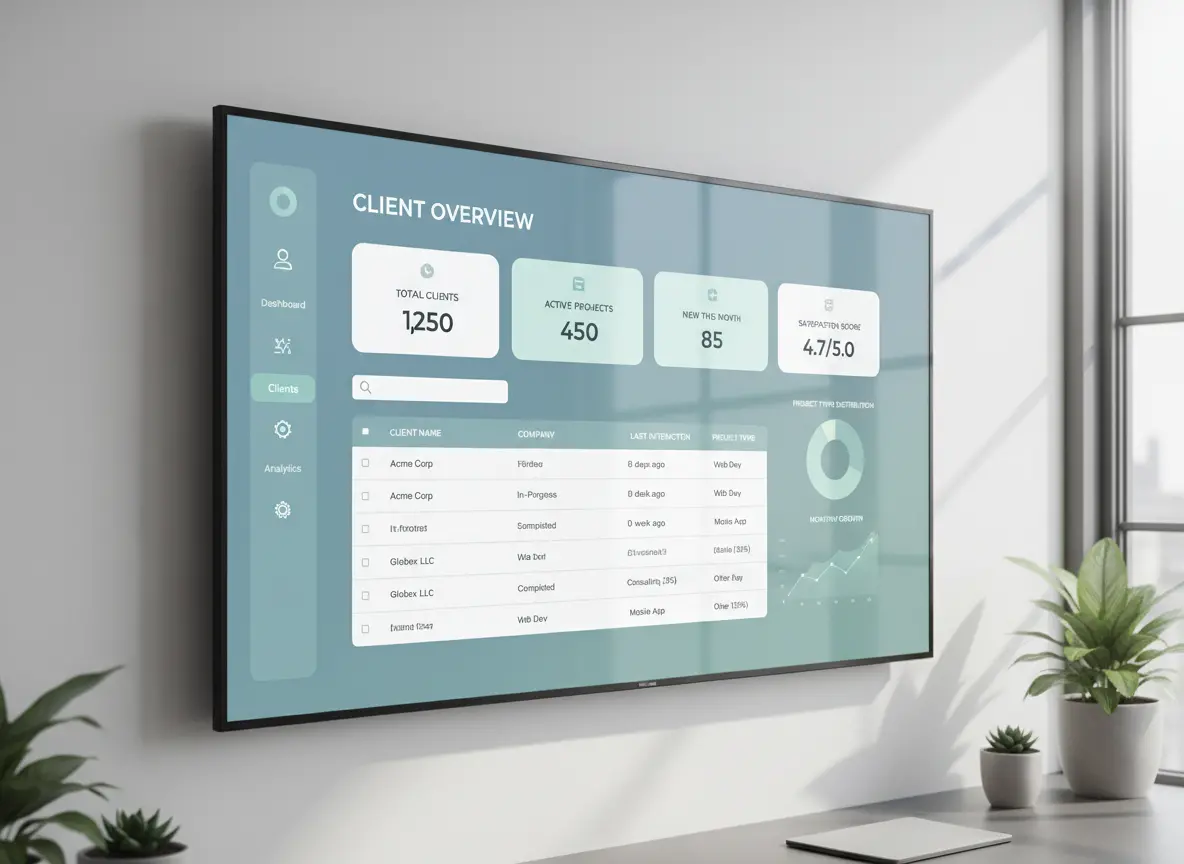
A CRM helps contractors turn scattered customer information into one usable client record. Instead of checking phones, emails, spreadsheets, and job sheets, the team can open one profile and see the details needed to respond, schedule, quote, and follow up.
| CRM Function | How It Helps |
|---|---|
| Contact profiles | Keeps customer names, numbers, emails, and addresses organized. |
| Service history | Shows what work has already been completed. |
| Quote tracking | Helps the team see what was sent, approved, or still pending. |
| Follow-up reminders | Prevents leads and past customers from being forgotten. |
| Communication notes | Keeps customer conversations visible to the team. |
| Job connections | Links customer records to work management and scheduling. |
| Billing support | Helps reduce mistakes caused by missing job details. |
Bring Client Data Into One CRM System
MBP CRM helps contractors organize customer records, job history, quotes, follow-ups, notes, and communication in one connected system.
If your client data is scattered across phones, emails, spreadsheets, and job sheets, MBP gives your team a cleaner way to manage customers and protect future work.
Explore MBP CRMStep 2: Connect CRM to Work Management
A CRM alone is not enough.
Once a lead becomes a job, it should automatically move into your work management system.
That means:
- Job details transfer without re-entry
- Assigned technicians are visible
- Status updates reflect in real time
- Completion notes sync back to client history
No duplication.
No information loss.
Field team productivity improves because technicians see full client context before arriving on site.
Step 3: Sync Scheduling With Real Availability
Your calendar must reflect:
- Technician availability
- Approved leave from HR
- Existing job commitments
- Skill qualifications
If your calendar operates separately from HR and work management, you are scheduling blind.
When systems connect:
- Leave blocks automatically.
- Jobs match skill levels.
- Workloads balance evenly.
Now bookings reflect real capacity.
Step 4: Integrate HR for Accurate Time and Accountability
Client data is not only about contact details.
It also includes:
- Who performed the job
- How long it took
- Overtime usage
- Certification compliance
HR integration ensures time logs connect directly to completed jobs.
This protects:
- Payroll accuracy
- Billing accuracy
- Performance evaluation
When HR, calendar, CRM, and work management operate together, accountability becomes clear.
Step 5: Eliminate Double Entry
Double entry is the silent killer of data accuracy.
If someone has to:
- Re-enter job notes
- Copy information between systems
- Manually transfer time logs
Errors are guaranteed.
The goal is simple:
Enter data once.
Let the system update everywhere.
That is what real digital transformation in field service looks like.
Not more apps.
Better integration.
A stronger client data workflow works best when customer records connect with daily jobs, schedules, employee activity, and billing. MBP helps contractors connect CRM with work management, team scheduling, HR, and accounting so client details stay organized from first contact to completed invoice.
What Controlled Client Data Looks Like
When your systems work together:
- A lead enters the CRM.
- It converts into a scheduled job.
- The calendar assigns the right technician.
- The technician updates progress in real time.
- HR logs hours automatically.
- The invoice pulls accurate job details.
- Client history updates instantly.
One flow.
One record.
No scattered information.
The Bottom Line
Scattered client data is not harmless disorganization.
It leads to:
- Missed revenue
- Weak follow-ups
- Billing mistakes
- Overworked teams
- Frustrated clients
Small contractors cannot afford inefficiency.
MyBusinessPortal.Cloud brings CRM, work management, calendar scheduling, and HR into one unified system built for contractors and field service teams.
Because growth requires control.
And control starts with knowing exactly where your client data lives.
Ready to get organized?
Bring Your Client Data Into One System
Replace scattered spreadsheets, texts, and disconnected tools with one platform built to help service teams manage customers, jobs, schedules, and follow-ups in one place.
Schedule a Free DemoClient Data Management FAQs
What is client data management?
Client data management is the process of organizing customer records, contact details, job history, quotes, invoices, communication notes, and follow-ups in one reliable system.
Why is scattered client data a problem for contractors?
Scattered client data causes missed follow-ups, billing mistakes, delayed customer responses, weak repeat business, and confusion between office and field teams.
How does CRM help organize client data?
CRM helps organize client data by keeping customer profiles, notes, quotes, follow-ups, service history, and communication records in one place.
When should a contractor stop using spreadsheets for client data?
A contractor should stop using spreadsheets when customer records become outdated, follow-ups are missed, quotes are hard to find, or multiple team members need access to the same client history.
What should contractors store in a CRM?
Contractors should store contact details, job history, service notes, quotes, invoices, follow-up reminders, communication records, and customer preferences in a CRM.