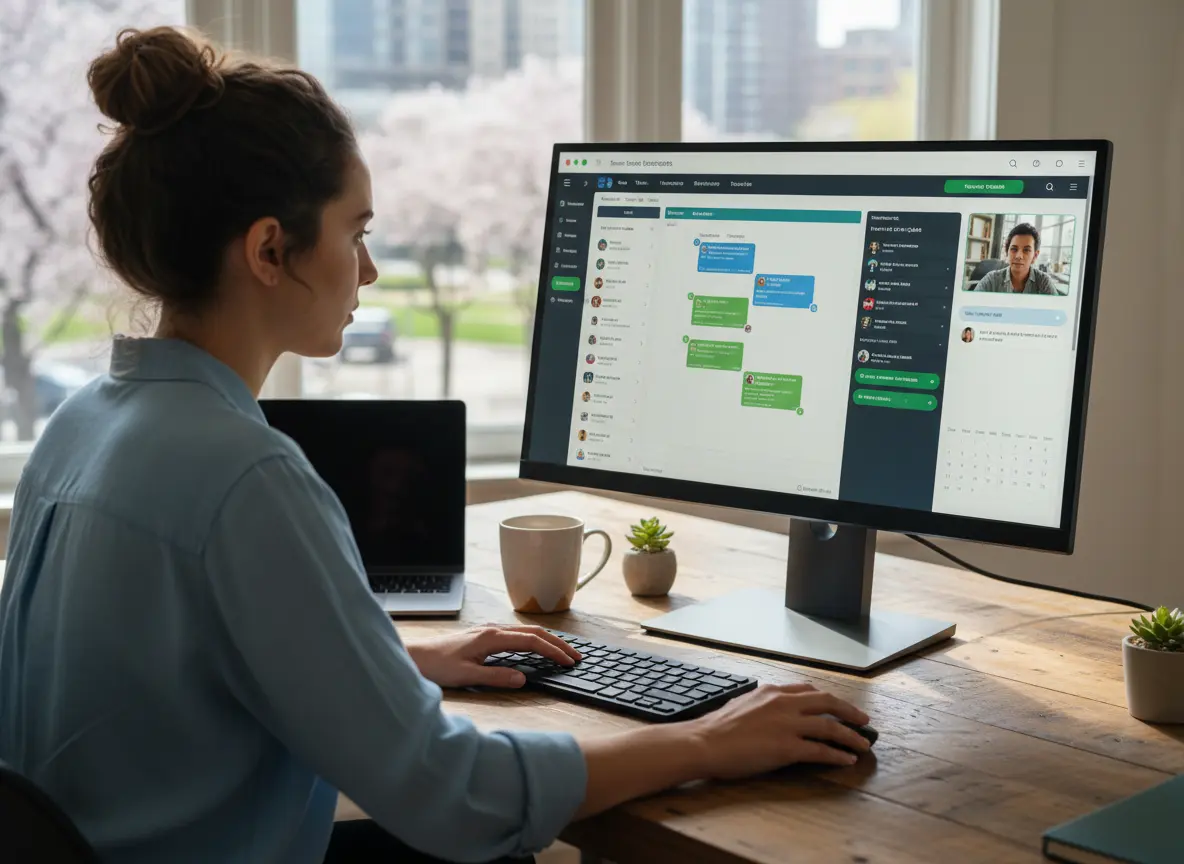
Managing remote teams becomes difficult when managers cannot see daily progress, task ownership, deadlines, files, or real-time updates. Work often gets split across emails, chats, spreadsheets, video calls, and disconnected tools, which creates gaps in accountability.
Without the right system, remote and hybrid teams may duplicate work, miss deadlines, delay updates, or lose track of who owns each task. Managers spend more time chasing status updates instead of helping the team perform better.
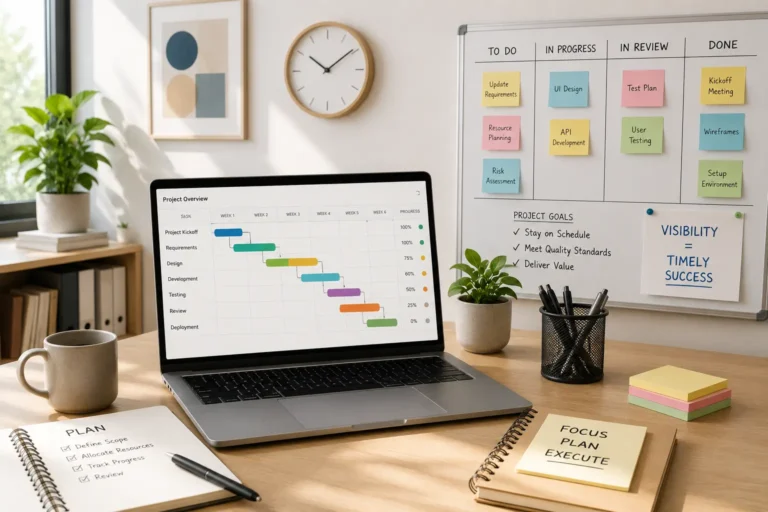
Remote team management software solves this by centralizing tasks, communication, scheduling, files, and progress tracking in one place. With the right platform, every team member can see what needs to be done, who is responsible, and what changed, no matter where they work.
Quick Answer
How do you manage remote teams effectively?
Remote teams are managed effectively by using software that centralizes tasks, communication, scheduling, files, deadlines, and progress tracking in one connected system.
A centralized platform improves visibility, accountability, and productivity because managers and employees can clearly see responsibilities, progress, updates, and priorities from anywhere.
Remote Team Problems and Software Solutions
| Remote Team Problem | Impact on Productivity | Software Solution |
|---|---|---|
| Low visibility | Managers cannot see what each person is working on | Real-time dashboards and task tracking |
| Missed deadlines | Work gets delayed without alerts or reminders | Automated deadlines and task notifications |
| Poor accountability | No clear owner for tasks or updates | Assigned tasks with owners and status updates |
| Scattered communication | Important updates get lost in chats and emails | Centralized communication connected to each task |
| File confusion | Teams use outdated files or duplicate versions | Shared file storage and one source of truth |
| Time zone delays | Updates arrive late or get missed | Async updates and shared task histories |
Why Remote Teams Struggle Without Systems
Remote work removes many of the signals managers rely on in physical offices. Leaders cannot easily see progress, overhear discussions, or quickly clarify misunderstandings.
Without structured systems, remote teams often experience:
• missed deadlines
• duplicated work
• unclear task ownership
• scattered communication across multiple tools
• difficulty measuring productivity
A remote team management platform solves these issues by placing tasks, schedules, and communication in one structured environment where everyone works from the same information.
Disconnected Tools vs Remote Team Management Software
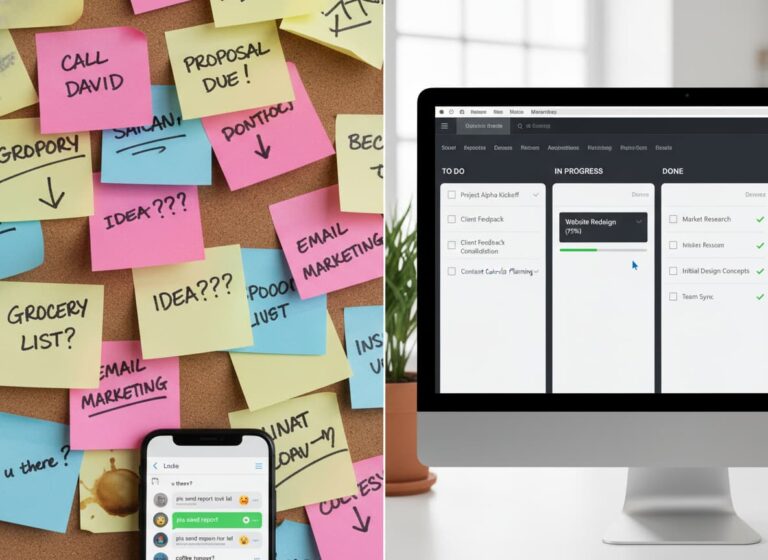
| Area | Disconnected Tools | Remote Team Management Software |
|---|---|---|
| Task Visibility | Updates spread across emails and chats | Tasks and progress tracked in one system |
| Accountability | Ownership is unclear | Tasks have assigned owners and deadlines |
| Communication | Information gets lost between platforms | Communication stays connected to work |
| Files | Multiple versions create confusion | Centralized files and notes |
| Management | Managers chase updates manually | Dashboards show real-time progress |
What Remote Team Management Software Helps You Do
Remote team management software is a centralized digital system that helps leaders assign work, coordinate schedules, track progress, and monitor performance for distributed teams. It replaces fragmented tools like emails, spreadsheets, and chat apps with a single source of truth where tasks, files, deadlines, and accountability are visible in real time. For businesses managing remote or hybrid teams, this software enables structured communication, consistent workflows, and outcome-based productivity tracking regardless of location.
Teams that need clearer ownership can use work management software to assign tasks, track progress, and keep updates connected to the work.
For remote and hybrid teams with meetings, deadlines, and job schedules, team scheduling software helps managers coordinate availability and prevent missed deadlines.
Customer-facing remote teams can also use CRM software to keep client updates, follow-ups, notes, and communication history in one place.
For growing teams, HR management software helps keep employee records, roles, and team information organized as remote operations expand.
MBP also connects remote operations with Accounting and Inventory to help businesses manage resources, financial workflows, and daily operations from one connected platform.
What to Look for in Remote Team Management Software
The best remote team management software should make work easier to assign, track, review, and complete without constant check-ins. A basic chat tool is not enough when teams need to manage tasks, files, schedules, deadlines, and accountability across locations.
Look for software that includes:
- Task assignments with clear owners
- Real-time progress tracking
- Shared calendars and deadlines
- Centralized files and notes
- Communication connected to tasks
- Mobile access for remote workers
- Automated reminders and status updates
- Team dashboards for managers
- CRM access for customer-facing teams
- Reporting tools for productivity visibility
If your team still needs multiple apps just to understand what is happening, the system is not really solving the remote management problem.
Signs You Need Remote Team Management Software
Your business may need remote team management software if managers spend too much time asking for updates, tracking work manually, or searching through messages to understand project status.
Common signs include:
- Tasks are assigned through email or chat without clear ownership.
- Managers do not know which projects are delayed until it is too late.
- Remote employees use different tools to track the same work.
- Deadlines are missed because reminders are manual.
- Files, notes, and updates are scattered across multiple platforms.
- Team performance is difficult to measure.
- Scheduling conflicts happen because calendars are not connected to work.
When these problems become frequent, the issue is usually not the people. It is the system. A centralized platform helps remote teams work with better structure, accountability, and visibility.
How Structured Communication Keeps Teams Aligned
The cornerstone of any successful remote environment is intentional communication. Unlike in a physical office, you cannot rely on hallway run-ins to clarify tasks. Effective remote team management requires a shift toward asynchronous communication and clearly defined workflows.
To thrive in virtual work, leaders must establish a “single source of truth” for all projects. This means moving away from scattered email chains and utilizing centralized platforms where documents, deadlines, and discussions live together. This transparency reduces anxiety and empowers employees to work autonomously. Furthermore, fostering a digital culture is crucial. Regular virtual check-ins that focus on human connection, rather than just status updates, help bridge the physical gap and maintain morale. By prioritizing clear online collaboration protocols, you build trust, which is the fuel that keeps a distributed engine running.
Remote team management becomes easier when businesses use connected tools for work management, team scheduling, customer relationship management, and HR management. These tools help managers organize tasks, track updates, manage people, and keep remote teams aligned from one central system.
Remote Team Management vs Hybrid Team Management
Remote and hybrid teams both need structure, but they do not always face the same problems. Remote teams rely heavily on digital communication because most work happens outside the office. Hybrid teams need extra coordination because some employees work in person while others work from different locations.
| Team Type | Main Challenge | What Software Should Support |
|---|---|---|
| Remote teams | Limited visibility into daily work | Task tracking, async updates, dashboards |
| Hybrid teams | Uneven communication between office and remote workers | Shared calendars, centralized notes, team updates |
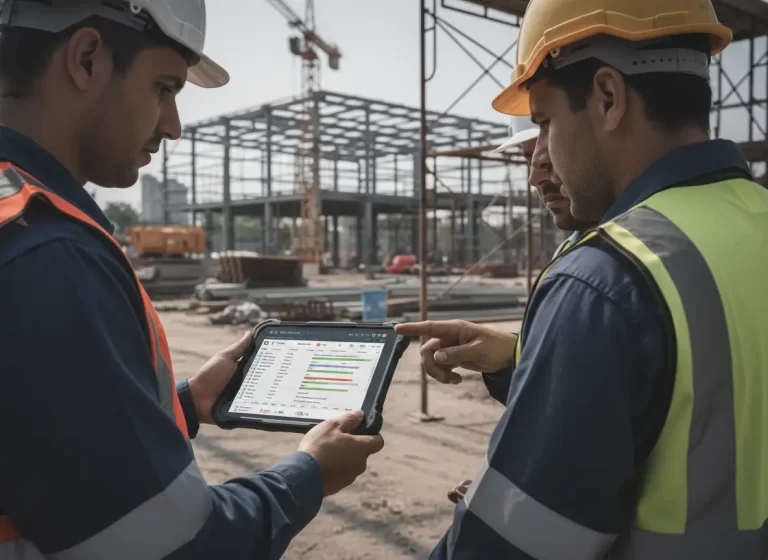
| Field teams | Work happens away from the office | Mobile access, job notes, real-time status updates |
| Customer-facing teams | Client updates can get scattered | CRM, follow-up tracking, communication history |
| Management teams | Performance is hard to measure | Reports, workload visibility, deadline tracking |
A good remote team management platform should support both fully remote and hybrid workflows without forcing managers to chase every update manually.
How MBP Improves Remote Team Productivity
At MyBusinessPortal.Cloud, we streamline the complexity of managing remote operations by providing an all-in-one solution. The process of effective management starts with visibility and accessibility.
First, utilize integrated project management features to assign tasks and track progress visually. This ensures everyone knows what is expected without constant micromanagement. Second, leverage secure cloud storage to ensure your team can access vital files from any device, anywhere in the world, maintaining security protocols without hindering speed. Finally, use data-driven reporting to monitor performance trends. Instead of guessing how your team is performing, MBP allows you to see exactly where projects stand, enabling you to offer support where it is needed most. By consolidating these functions, you remove the friction of virtual work and let your team focus on execution.
Run a Remote Team That Performs Anywhere
Embracing the remote work revolution isn’t about getting by, it’s about building a business that thrives anywhere. With the right structure, clear communication, and reliable tools, your remote team can operate with more focus, speed, and collaboration than ever before.
MyBusinessPortal.Cloud brings your HR, Work Management, CRM, and Calendar together in one seamless platform, giving you full visibility and control over your distributed workforce. Manage projects, track performance, and keep everyone connected no matter where they log in from.
Start optimizing your management strategy today with MBP and turn remote work into your biggest competitive advantage.
Give Remote Teams One Connected Workspace
MBP helps remote and hybrid teams manage tasks, schedules, communication, files, customer details, and accountability from one connected platform.
Reduce scattered updates, improve team visibility, and give managers the tools they need to keep work moving.
Related Resources
- How Work Management Software Improves Field Team Communication
- How Real-Time Job Updates Keep Office and Field Teams Aligned
- How to Prevent Scheduling Conflicts With Automated Updates
- How Work Management Software Improves Crew Accountability and Job Visibility
- How HR Tools Help Businesses Manage Hybrid and Remote Teams Effectively
Work Smarter With MBP
Give Remote Teams One Clear Place to Work
MBP helps remote and hybrid teams manage tasks, schedules, updates, files, customer details, and team accountability from one connected platform.
Schedule a DemoRemote Team Management Questions Answered
Why do remote teams struggle without proper management systems?
Remote teams lack the visual cues and quick interactions that exist in physical offices. Without structured systems, tasks become unclear, communication fragments across tools, and managers struggle to track real progress.
What is remote team management software?
Remote team management software is a centralized platform that organizes tasks, schedules, communication, and performance tracking in one place. It allows managers and team members to stay aligned even when working from different locations or time zones.
How does structured communication improve remote collaboration?
Structured communication ensures that discussions, files, and decisions stay connected to the work itself. When teams rely on centralized platforms instead of scattered messages, information becomes easier to track and misunderstandings decrease.
Why is a “single source of truth” important for remote teams?
A single source of truth means all project information lives in one system. This prevents confusion caused by multiple versions of files, conflicting updates, or scattered instructions across different tools.’
How can software improve remote team accountability?
Software improves remote team accountability by assigning clear task owners, setting deadlines, tracking progress, and keeping updates visible in one place. This helps managers see who is responsible for each task and whether work is moving forward.
What features should remote team management software include?
Remote team management software should include task tracking, shared calendars, communication tools, file access, progress updates, reporting, deadline reminders, and workload visibility. These features help remote teams stay organized and aligned.
Why do remote teams need centralized communication?
Remote teams need centralized communication because messages can easily get lost across email, chat, and separate apps. When communication is connected to tasks and projects, team members can find decisions, updates, and instructions faster.
Can remote team management software help reduce missed deadlines?
Yes. Remote team management software can reduce missed deadlines by using due dates, reminders, task ownership, progress tracking, and real-time updates. This gives managers more control before delays become bigger problems.
How does MBP help remote and hybrid teams?
MBP helps remote and hybrid teams by bringing work management, scheduling, CRM, HR, and communication into one connected platform. This gives managers better visibility while helping teams stay organized and accountable.
What features should remote team management software include?
Remote team management software should include task tracking, shared calendars, communication tools, file management, progress updates, reporting, deadline reminders, and workload visibility.
Can small businesses use remote team management software?
Yes. Small businesses can use remote team management software to organize tasks, improve communication, track progress, and keep employees aligned as teams grow.
How does remote team software improve productivity?
Remote team software improves productivity by reducing communication gaps, clarifying responsibilities, automating reminders, and giving managers visibility into ongoing work.