Cancellations do not only waste time.
They kill revenue.
A technician blocks two hours for a job. The truck is loaded. The team arrives. The client forgot. Or no one is home.
That slot is gone. You cannot recover that time.
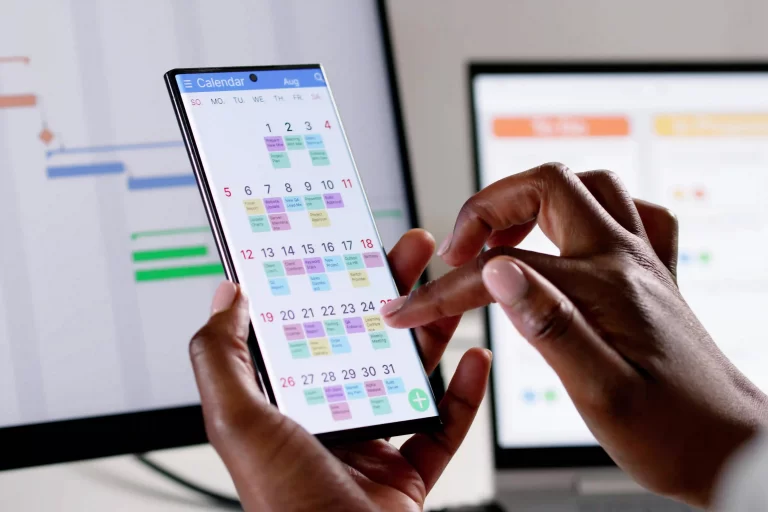
This is where automated calendar alerts protect your business.
The Real Cost of a Missed Appointment
A single cancellation affects:
- Labor cost
- Fuel cost
- Lost billable time
- Delayed schedule for the rest of the day
- Customer trust
If this happens three times a week, the numbers add up fast.
Most cancellations are not intentional. They happen because clients forget, misunderstand the time, or never receive confirmation.
Manual reminder calls do not scale. Automated alerts do.
What Automated Calendar Alerts Actually Do
Automated alerts send reminders before a job starts.
These alerts can:
- Confirm appointment time
- Remind clients of required preparation
- Provide technician arrival windows
- Offer quick confirmation options
Instead of relying on someone in the office to make reminder calls, your system handles it automatically.
No gaps. No missed follow-ups.
1. Reduce No-Shows with Timely Reminders
People forget appointments. That is normal.
A reminder 24 hours before the job reduces no-shows significantly. A second reminder on the day of service reinforces it.
When clients receive clear, automated reminders, they are more likely to:
- Confirm the appointment
- Reschedule early if needed
- Prepare access to the site
Early notice gives you time to fill open slots.
2. Protect Technician Time
Technicians generate revenue only when they are on active jobs.
If they drive to a cancelled appointment, that time is lost.
Automated alerts:
- Reduce wasted trips
- Keep schedules stable
- Improve daily job flow
Your calendar stays predictable. Your team stays productive.
3. Catch Reschedules Before They Become Problems
When reminders allow clients to confirm or request changes early, your office gains control.
Instead of learning about cancellations at the door, you find out the day before.
That gives you time to:
- Reassign technicians
- Move up another job
- Adjust the calendar strategically
A connected scheduling system makes those changes visible to everyone instantly.
4. Improve Professionalism and Customer Experience
Automated alerts show organization.
Clients appreciate:
- Clear communication
- Advance notice
- Defined arrival windows
- Easy confirmation
It builds trust. It reduces confusion. It strengthens your brand.
Professional communication reduces disputes and last-minute frustration.
5. Sync Alerts with Your Entire System
Calendar alerts work best when they connect to your full job workflow.
When your system integrates:
- CRM for accurate client contact details
- Calendar for live scheduling
- Work management for job details
- HR for technician availability
Everything stays aligned.
If a job is rescheduled, the update reflects across the system. No manual coordination needed.
The Difference Between Manual and Automated
Manual process:
- Office staff calls clients
- Some calls go unanswered
- Reminders are inconsistent
- Cancellations still happen
Automated process:
- Every job triggers reminders
- No one forgets to send them
- Clients respond earlier
- Schedule stays controlled
Automation removes human error.
Final Takeaway
Costly cancellations are not random. They often result from poor communication.
Automated calendar alerts protect your revenue by reminding clients, preventing no-shows, and giving your team early visibility into schedule changes.
When alerts connect with your CRM, calendar, work management, and HR tools, your entire operation moves in sync. Fewer surprises. Fewer empty slots. More productive days.
If your business still relies on manual reminder calls, you are leaving money on the table. Automated alerts turn your calendar into a revenue protection system.
Stop Letting Empty Time Slots Steal Revenue
If your office still makes manual reminder calls, your calendar is vulnerable.
MyBusinessPortal.Cloud automates appointment confirmations and syncs them with:
• CRM
• Live scheduling
• Work management
• HR availability
All in one platform built for trades and field service teams.
Frequently Asked Questions
Why do missed appointments cost so much?
A no-show wastes labor, fuel, and billable time. It also disrupts the rest of the day’s schedule and can damage client trust.
What causes most cancellations?
Most clients do not cancel intentionally. They forget, misunderstand the time, or never receive a clear confirmation.
How do automated calendar alerts reduce no-shows?
They send reminders before the job, often 24 hours and again on the day of service. Timely reminders increase confirmations and early reschedules.