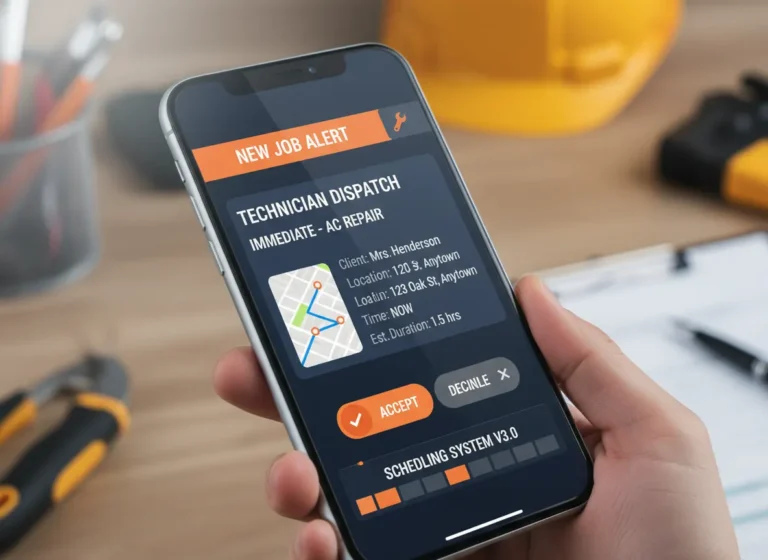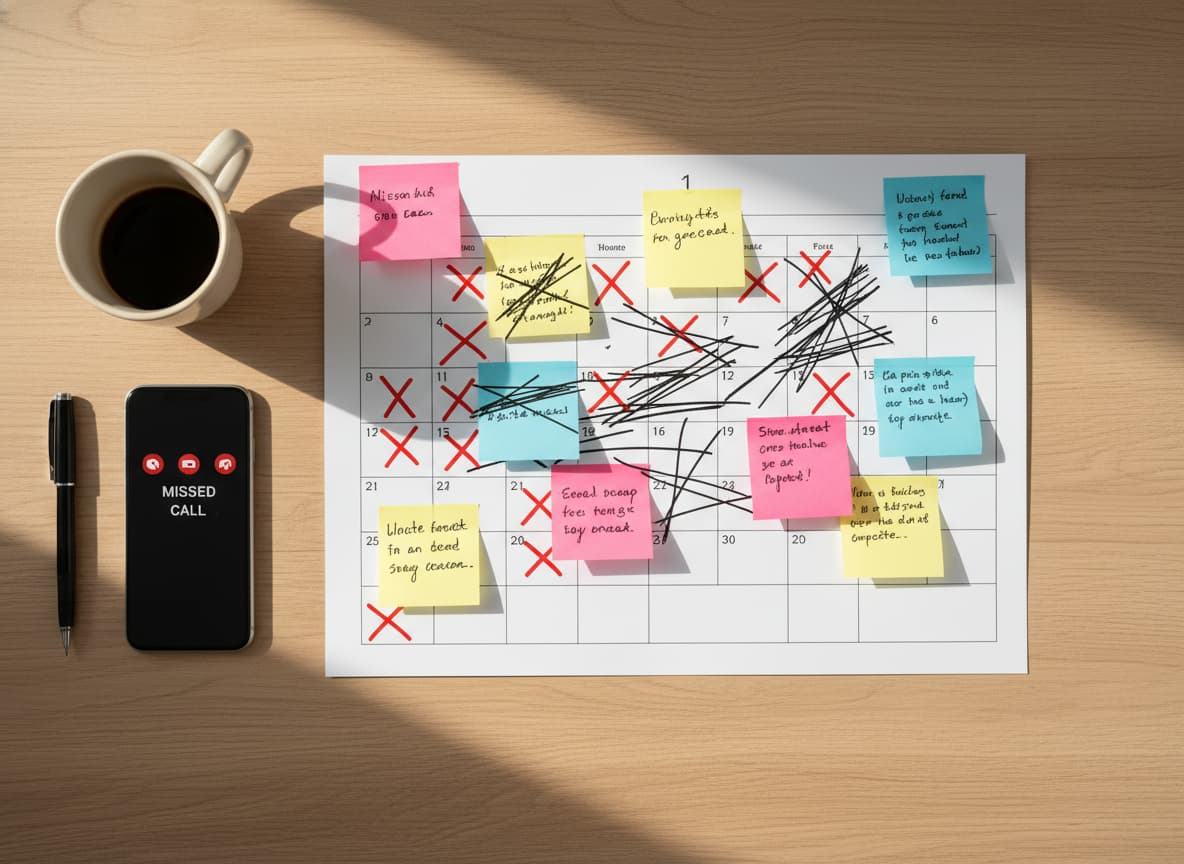
When bookings increase, manual scheduling starts to crack. Jobs get missed, crews get double-booked, customers wait for updates, and office staff spend too much time fixing calendar problems.
The issue is not always demand. Many contractors lose control of bookings because appointments, crew availability, customer notes, reminders, and job details are scattered across texts, calls, spreadsheets, and basic calendars.
Scheduling software helps contractors manage bookings in one connected system so teams can see who is available, what job is scheduled, what changed, and what needs attention next.
Quick Answer
Why do contractors struggle to keep up with bookings?
Contractors struggle to keep up with bookings when appointments, crew availability, customer details, reminders, and schedule changes are managed across disconnected tools.
Scheduling software helps contractors prevent missed jobs, double bookings, and communication problems by keeping schedules, assignments, customer information, and updates organized in one connected system.
Many contractors and small business owners rely on outdated methods like paper calendars, group chats, or even memory for job management. While these methods might work at first, they quickly fall apart as your team and workload grow.
If you’re struggling to keep up, it’s time to take a closer look at how you’re scheduling.
| Booking Problem | What Happens | Software Fix |
|---|---|---|
| Missed bookings | Jobs fall through | Automated reminders |
| Double bookings | Crews overlap | Availability checks |
| Late updates | Teams use old info | Real-time alerts |
| Unclear job details | Crews ask the office | Attached job notes |
| Manual rescheduling | Admin time increases | Central calendar |
| Customer confusion | Trust drops | Clear booking records |
Signs Your Scheduling System Isn’t Working
You don’t need fancy software to know something’s off. Most scheduling problems show up in small but costly ways:
- You spend more time scheduling than doing paid work
- You rely on back-and-forth texts to book simple jobs
- Double-bookings or overlap keep happening
- Clients cannot book when they are ready (after hours)
- No-shows happen because reminders are manual or inconsistent
- Rescheduling creates chaos and long message threads
- The schedule lives in too many places (paper, texts, personal calendar)
- You forget buffers (drive time, parts pickup, cleanup)
- Technicians are unevenly loaded (one overloaded, one idle)
- Scheduling stress follows you outside work hours
Common Booking Problems Contractors Face
Many scheduling issues are caused by disconnected processes instead of a lack of demand.
| Scheduling Problem | Business Impact |
|---|---|
| Missed appointments | Lost revenue and unhappy customers |
| Double-booked crews | Delays and rescheduling issues |
| Missing job details | Extra calls and field confusion |
| Manual reminders | More no-shows |
| Scattered calendars | Poor schedule visibility |
A scheduling system helps contractors replace manual coordination with a clearer process for managing jobs, teams, and customers.
If any of this sounds familiar, your current system isn’t built to support the way your business is growing.
Why Basic Scheduling Tools Don’t Work for Growing Teams
Basic tools like shared calendars or handwritten notes are not made for managing a real team. They don’t offer visibility across multiple jobs, they don’t track team availability, and they definitely don’t keep everyone updated in real time.
The result is frustration for you, confusion for your crew, and a bad experience for your clients.
Connecting scheduling with work management software helps contractors connect job assignments, tasks, updates, and team responsibilities in one workflow.
Manual Booking vs Contractor Scheduling Software
| Area | Manual Booking | Scheduling Software |
|---|---|---|
| Appointments | Tracked through calls, texts, or calendars | Managed through one shared booking system |
| Crew Availability | Difficult to confirm quickly | Visible before assigning jobs |
| Customer Details | Stored across different locations | Connected with job information |
| Schedule Changes | Require multiple messages and updates | Shared instantly with the team |
| Growth | Creates more admin work as jobs increase | Supports larger teams and workloads |
What Good Contractor Scheduling Software Does
The best systems for small service teams are built specifically for businesses that are on the move. A modern scheduling tool should help you:
- Assign jobs with full context
- Notify your team instantly
- Prevent double-bookings
- Reschedule with one click
- Track who is available and when
With the right tool, your scheduling becomes a strength instead of a stress point.
Features Contractors Should Look For in Scheduling Software
The right scheduling software should help contractors manage more than appointments. Important features include:
| Feature | Benefit |
|---|---|
| Crew availability tracking | Prevents scheduling conflicts |
| Automated reminders | Reduces missed appointments |
| Job details and notes | Gives crews complete information |
| Calendar visibility | Helps teams plan workloads |
| Customer updates | Improves communication |
| Rescheduling tools | Saves administrative time |
Fix Your Scheduling Process with the Right Tool
If you’re constantly playing catch-up with bookings, the problem isn’t that your business is too busy. It’s that your scheduling process hasn’t caught up with your growth.
The right system gives you clarity, control, and confidence. It helps you assign jobs without the guesswork, keep your crew aligned, and avoid last-minute surprises.
MyBusinessPortal.cloud gives you a smart, flexible calendar built for contractors and small teams. From assigning jobs to updating your team in real time, MBP helps you take charge of your schedule and get back on top of every booking. With built-in CRM tools, you can track customer details, manage leads, and streamline communications all in one place.
Contractors can improve their workflow by connecting Calendar, CRM, Work Management, HR, and Accounting. This creates one connected system for managing bookings, customers, teams, and daily operations.
With built-in CRM tools, you can track customer details, manage leads, and streamline communications all in one place.
A connected CRM system helps contractors keep customer history, inquiries, and follow-ups connected with scheduled jobs.
Take Control of Contractor Bookings
MBP Calendar helps contractors manage bookings, crew assignments, reminders, customer details, and schedule changes from one connected platform.
Explore MBP CalendarFor growing teams, connecting scheduling with HR software helps managers coordinate employee availability, schedules, and workforce planning.
Related Scheduling Resources
- Smart Calendar Software That Does More Than Track Appointments
- The Cost of Double Booking Crews in Contractor Scheduling
- How to Prevent Scheduling Conflicts With Automated Updates
- Real-Time Scheduling Alerts to Avoid Missed Jobs
- Why Contractors Should Plan Tomorrow’s Jobs Before the Workday Starts
Contractor Scheduling FAQs
Why Contractors Struggle with Booking Jobs Efficiently?
Contractors often struggle with booking jobs efficiently because they rely on manual methods like paper calendars, group chats, or memory. These outdated tools lead to double bookings, missed updates, and confusion. Scheduling software automates updates, provides real-time visibility, and streamlines the process, ensuring no jobs are missed and everyone stays aligned.
What are the signs that a contractor’s scheduling process is broken?
Common signs include spending more time scheduling than actually doing the work, frequent double-bookings, clients not being able to book after hours, inconsistent reminders, and chaotic rescheduling. These issues arise when scheduling tools are inadequate for the business’s growing needs, creating inefficiencies and stress.
Why do basic scheduling tools fail growing contractor teams?
Basic tools like shared calendars or handwritten notes fail because they lack visibility across multiple jobs and team availability. They don’t offer real-time updates and are not designed to scale with a growing team. This leads to confusion, frustration, and missed opportunities for both the team and clients.
What should contractor scheduling software do?
The best contractor scheduling software should allow for easy job assignment with full context, instant team notifications, prevent double bookings, and allow for one-click rescheduling. It should also track team availability and help you keep the schedule organized without the stress.
How does scheduling software prevent missed bookings?
Scheduling software prevents missed bookings by centralizing appointments, reminders, crew assignments, customer details, and schedule updates in one calendar.
When should contractors stop using manual booking?
Contractors should stop using manual booking when missed jobs, double bookings, rescheduling delays, customer confusion, or admin cleanup start affecting daily operations.
Can scheduling software improve customer experience?
Yes. Scheduling software improves customer experience by reducing missed appointments, improving response times, and helping businesses provide accurate booking updates.
What features should contractor scheduling software include?
Contractor scheduling software should include calendar management, crew availability tracking, automated reminders, job details, customer information, rescheduling tools, and real-time updates.
Can scheduling software help contractors manage multiple crews?
Yes. Scheduling software helps contractors manage multiple crews by showing availability, assignments, job schedules, and updates in one shared system.
How does scheduling software reduce administrative work?
Scheduling software reduces administrative work by automating reminders, organizing appointments, reducing manual updates, and giving teams one place to manage schedules.
Should contractors connect scheduling software with CRM?
Yes. Connecting scheduling software with CRM helps contractors link customer information, follow-ups, appointments, and job history for better customer management.